lagune
Health Gecti
- License — License: MIT
- Description — Repository has a description
- Active repo — Last push 0 days ago
- Community trust — 69 GitHub stars
Code Uyari
- network request — Outbound network request in .claude/skills/simulate/fixtures/image-upload-service/src/lib/fetch-remote.js
- network request — Outbound network request in .claude/skills/simulate/fixtures/image-upload-service/src/routes/import.js
- process.env — Environment variable access in .claude/skills/simulate/fixtures/image-upload-service/src/server.js
Permissions Gecti
- Permissions — No dangerous permissions requested
Bu listing icin henuz AI raporu yok.
🌊 Your security copilot as you build, your Blue Team when you audit, whether you're a developer or not.

🌊 Security-Driven Hardening: Lagune



Lagune helps your AI agent make a project more secure. You point it at your code, and the agent figures out what your system actually does, then guides you through the security work that matters for it.
- Lagune works with projects in any programming language and supports 37 agents ✨
Love Lagune? Give us a ⭐ on GitHub!
Table of Contents
- 🌊 Get Started
- 📦 Dashboard | CLI
- 💬 Slash Commands
- 💽 Requirements
- 🔐 Security
- 🖖 Acknowledgements
- 🧑⚖️ License (MIT)
Get Started
Lagune adapts to your environment, whether it is a new project or an existing one.
[!TIP]
No API keys are needed, it runs directly through your own agent (Claude, Codex, and more).
Dashboard
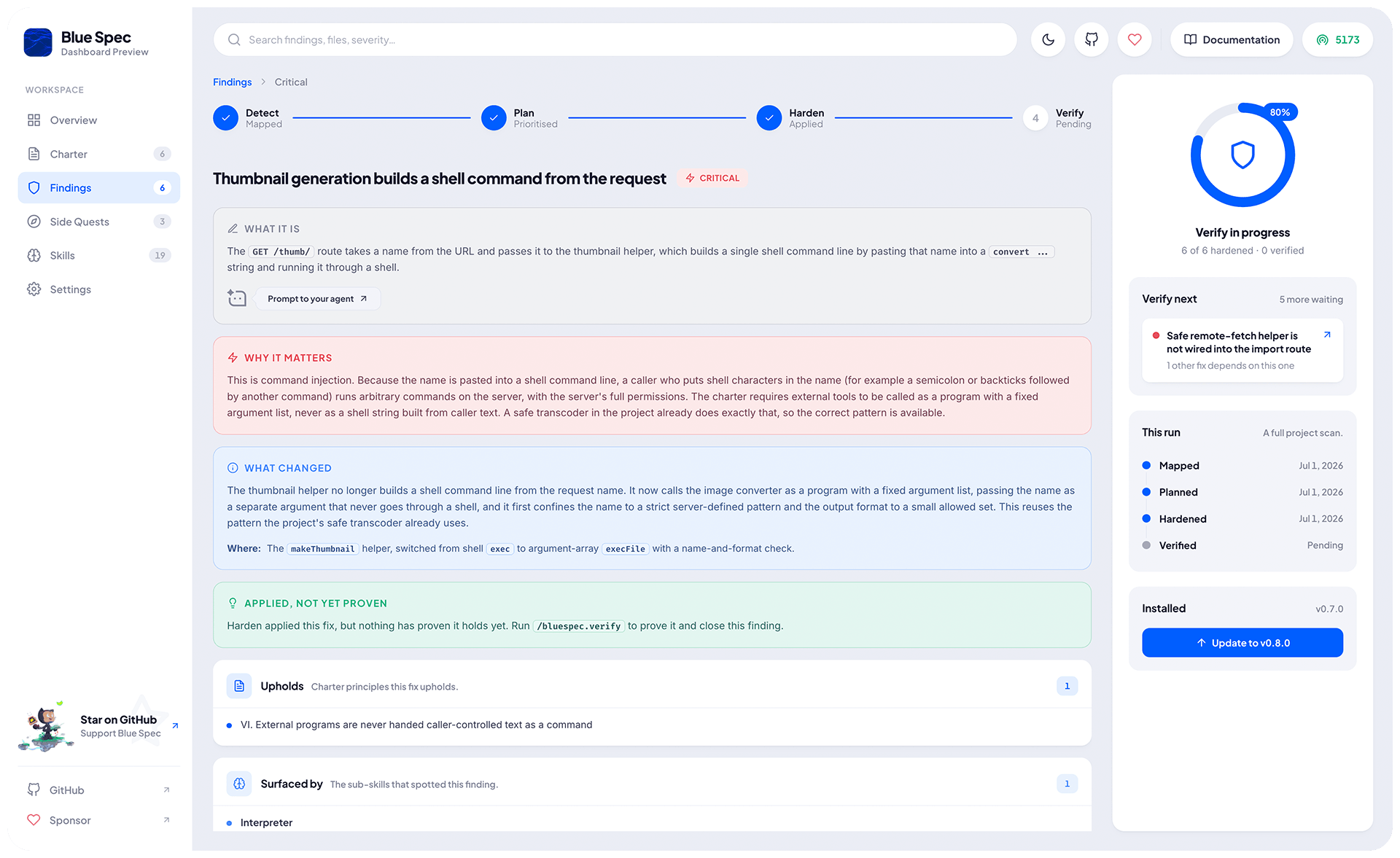
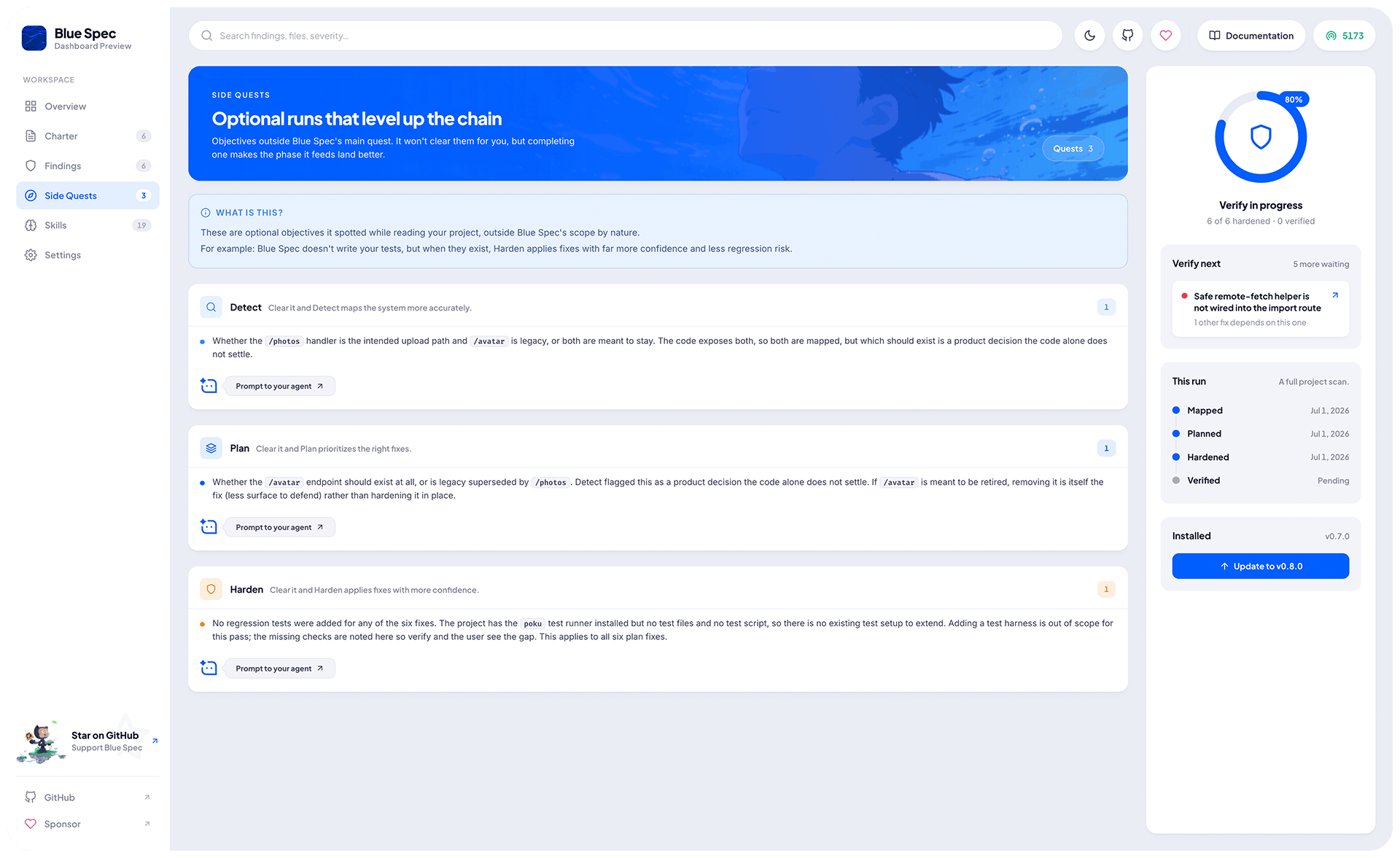
For an interactive live view, follow-up, and maintenance, run:
npx -y lagune@latest
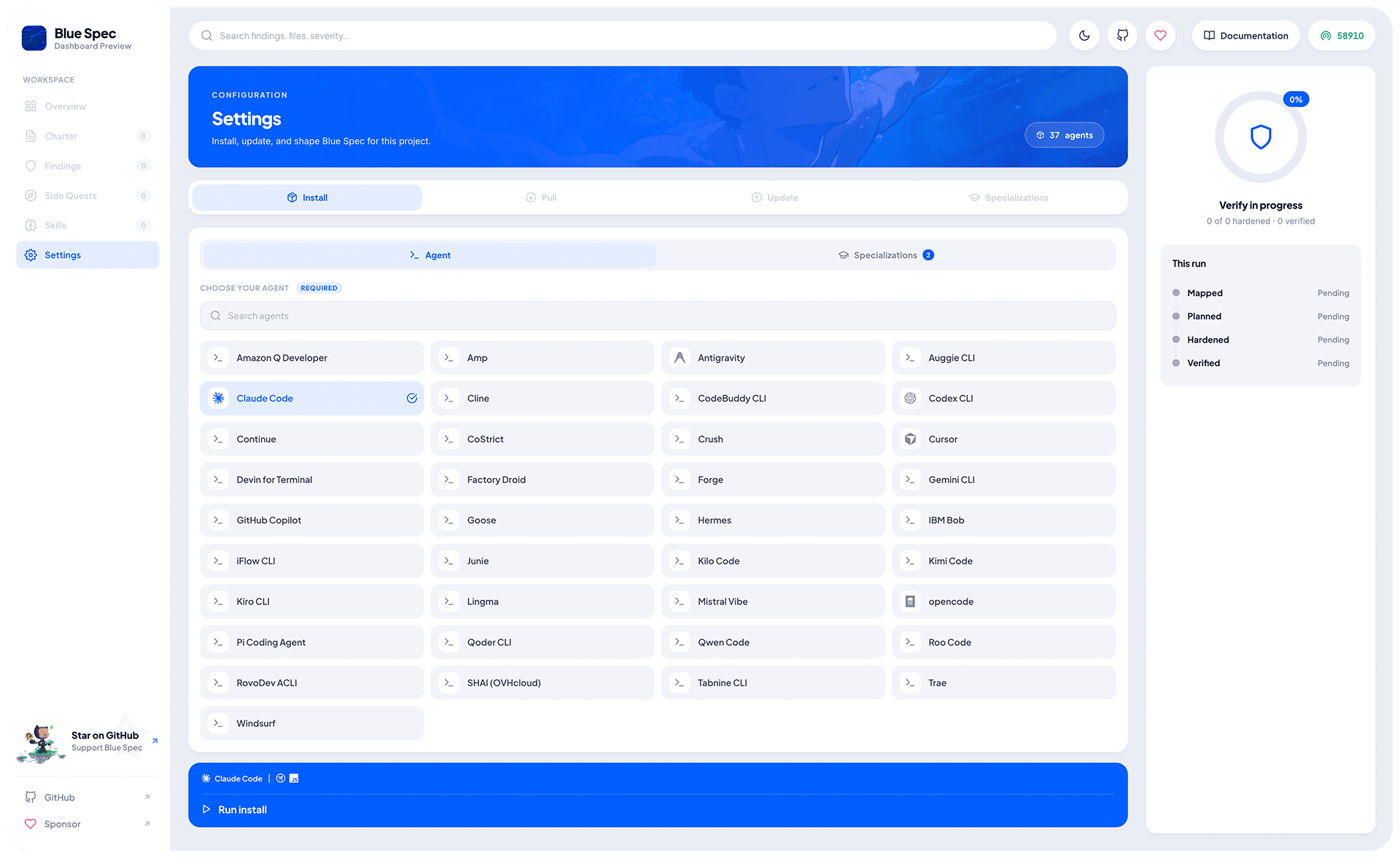
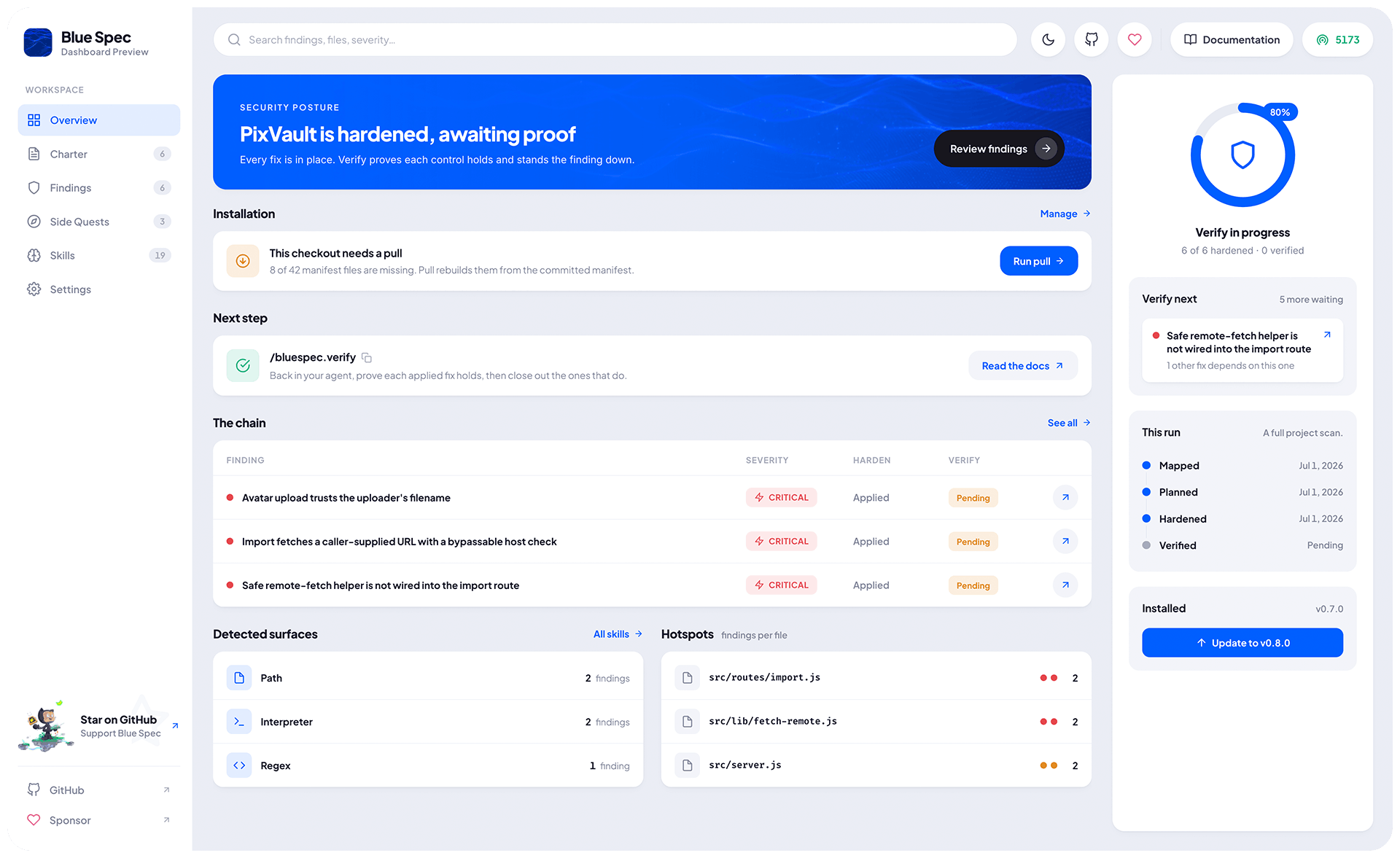
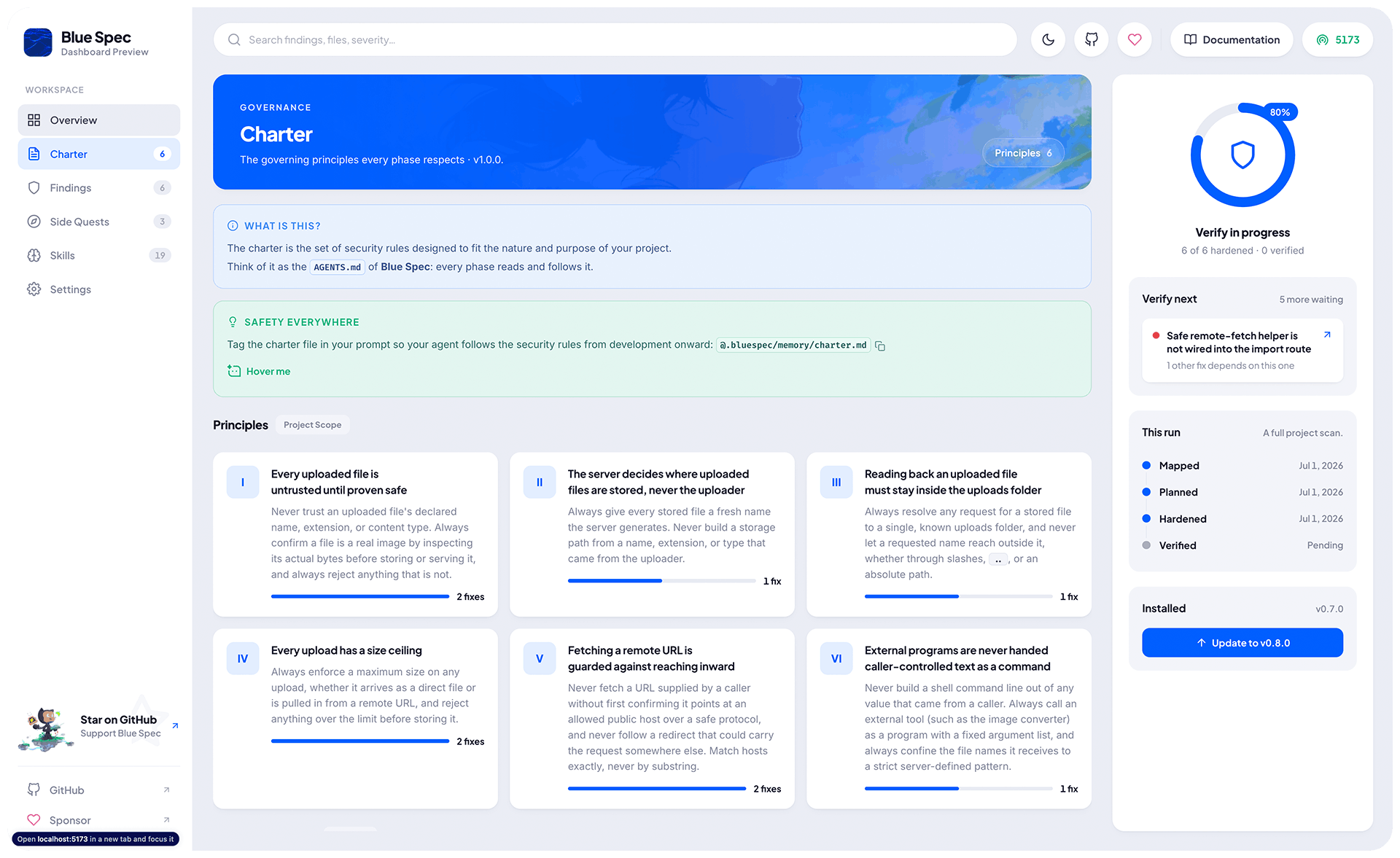
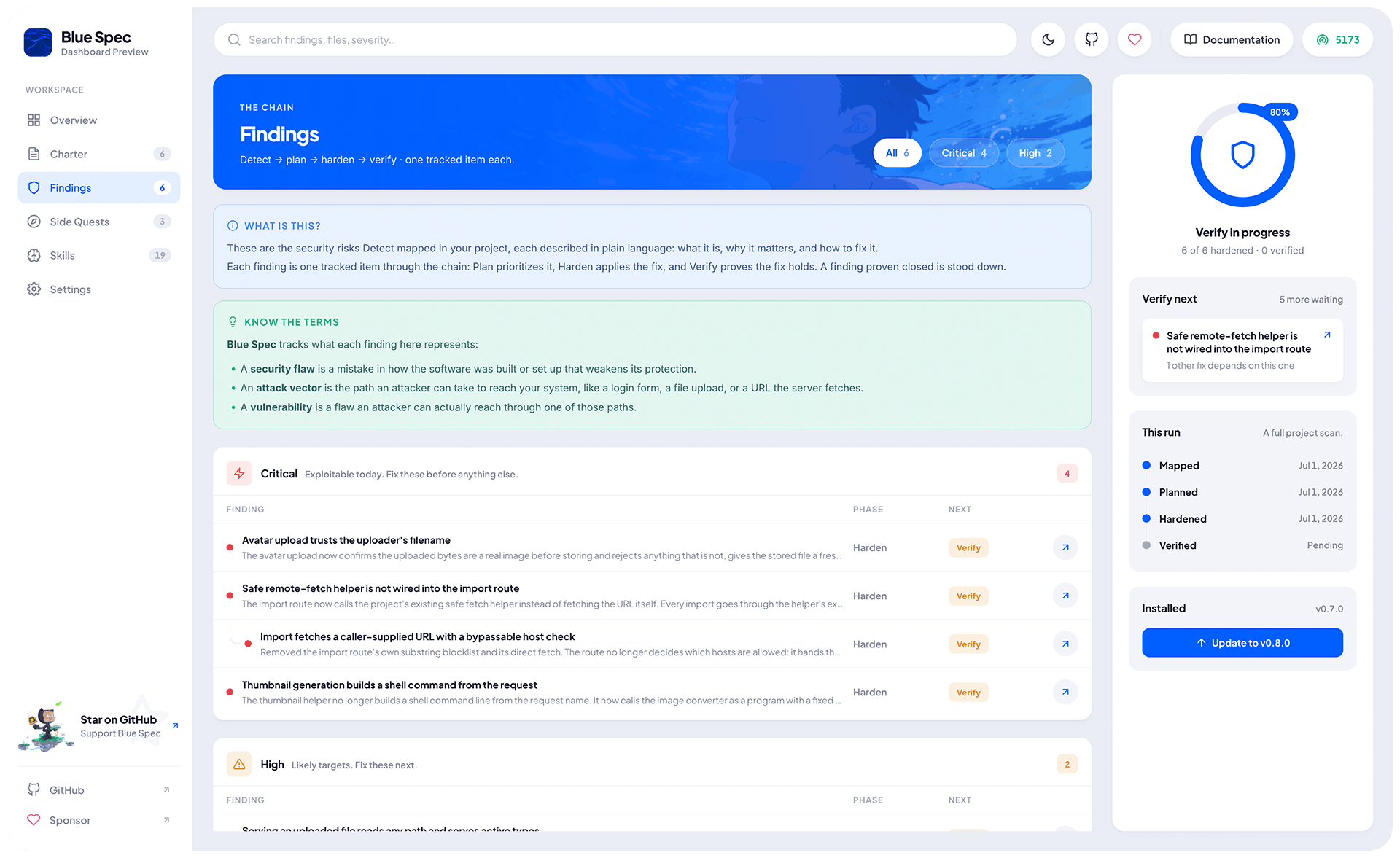
It serves a dashboard and opens it in a random port:
- Live Reload
- Private and Local
- Install, Pull, Update, and Manage all Lagune features directly from your browser
- No
node_modulesorpackage.jsonis needed 📦
[!TIP]
- 🚪 Use
--portor-pto specify a custom port.- ⏏️ Press
Ctrl+Cto stop.
CLI
› Install
npx -y lagune@latest init
- 🃏 Lagune runs on Node.js under the hood, you use whatever language you want.
› Update
To update Lagune's own files and its commands to their latest versions, run:
npx -y lagune@latest update
[!TIP]
Your charter, the phase artifacts, and any custom specializations stay untouched.
› Pull
When you clone or fork a project that already has Lagune, run pull to install its files from the manifest:
npx -y lagune@latest pull
[!TIP]
💡 Think of it as the Lagune equivalent of
npm i,pip install -r requirements.txt, and the like.
Slash Commands
Once Lagune is set up in your project, your AI agent unlocks a set of slash commands:
› Development flow
Secure the work as you build it, guided by the charter, with no flow to follow:
| Command | What it does for you |
|---|---|
| /lagune | Enforces security along with your development, on any prompt, at any time |
- Pull in the on-demand specializations in real time while your agent works.
- Combine it with the /lagune.charter command to shape every build around your project's own security rules.
› The Blue Team flow
These five run in order. Each builds on the previous, so following the list top to bottom is all it takes:
| # | Command | What it does for you |
|---|---|---|
| 1 | /lagune.charter | Sets your project's security rules, proposed for you or shaped by what you say |
| 2 | /lagune.detect | Reads your code and maps what your system does and where the risks are |
| 3 | /lagune.plan | Turns what detect found into a defense plan, with a fix for each finding |
| 4 | /lagune.harden | Applies the plan's fixes to your code, safely and one at a time |
| 5 | /lagune.verify | Proves each applied fix holds and closes out the ones that do |
› Special commands
| Command | What it does |
|---|---|
| /lagune.specialize | Specializes Lagune in a new security sub-skill from articles, exploits, or topics |
| /lagune.prove | Turns each detected finding into a runnable proof for responsible disclosure |
[!TIP]
Security is not a cost, it is an investment: what you put in upfront, you save many times over in the incidents you never have 🙋🏻♂️
[!IMPORTANT]
See the full documentation for usage examples and more.
Requirements
You will need these tools installed on your system:
- Node.js (LTS)
- At least one of the Supported Agents
Security
To details, report a vulnerability, and see the supported versions, see the Security Policy.
Contributing
🚧 Coming Soon.
Acknowledgements
Partners
Partners get an exclusive logo across the repositories and landing pages, plus a spot on a dedicated partners page.
Help my work grow by becoming a partner 🖖
Supporters
Really thanks to everyone who has supported and keeps supporting my work.

Support my work by becoming a sponsor too ✨
License
Lagune is under the MIT License.
Copyright © 2026-present Weslley Araújo and contributors.
[!IMPORTANT]
Disclaimer
All product names, trademarks, and registered trademarks mentioned are the property of their respective owners and are used for identification purposes only.
Yorumlar (0)
Yorum birakmak icin giris yap.
Yorum birakSonuc bulunamadi