aizen
Health Gecti
- License — License: GPL-3.0
- Description — Repository has a description
- Active repo — Last push 0 days ago
- Community trust — 175 GitHub stars
Code Gecti
- Code scan — Scanned 12 files during light audit, no dangerous patterns found
Permissions Gecti
- Permissions — No dangerous permissions requested
Bu listing icin henuz AI raporu yok.
Bring order to your projects, environments, and day-to-day work.
Aizen





Early Access — Aizen is under active development with near-daily updates. Expect breaking changes and new features frequently.
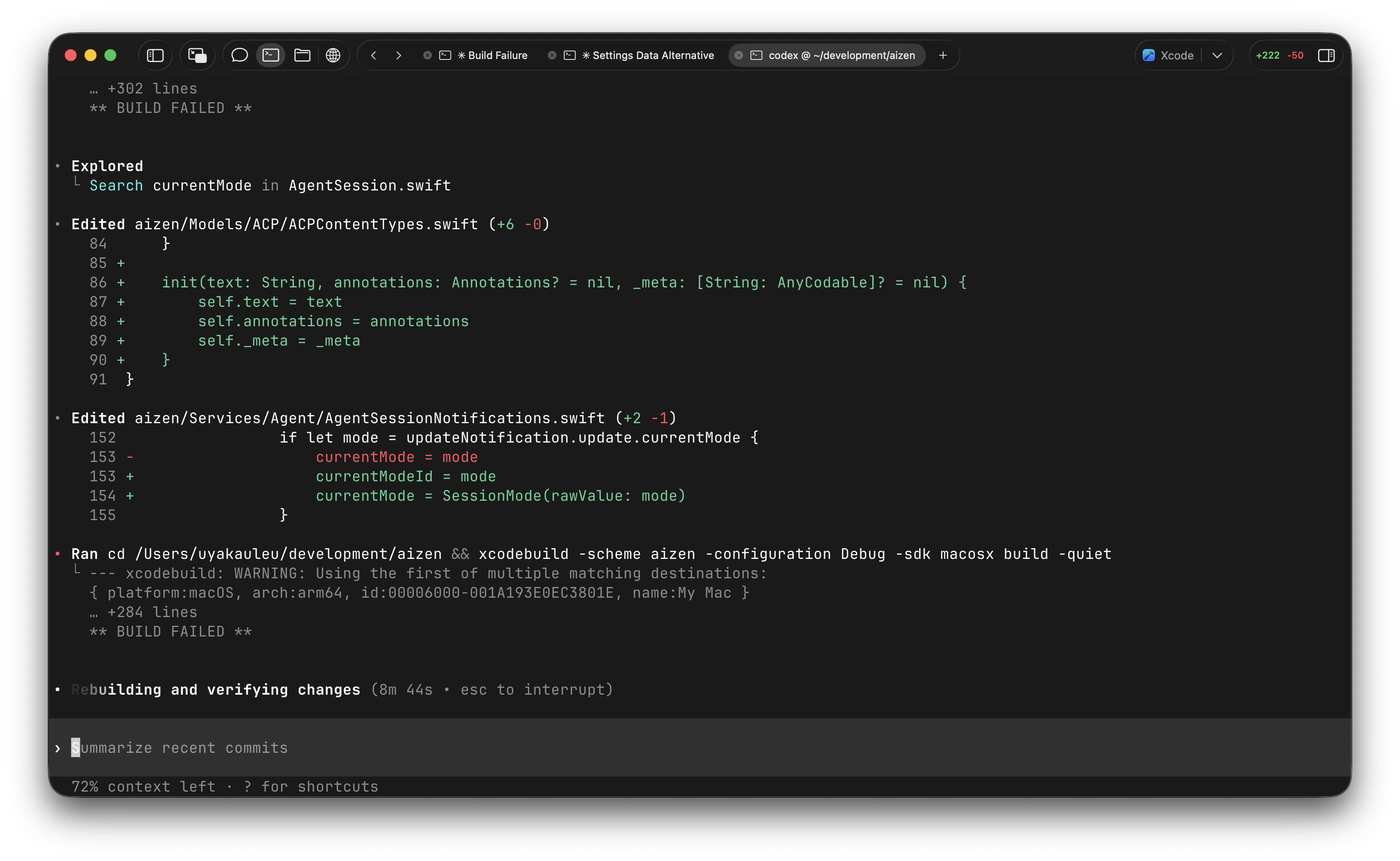
Aizen is a macOS workspace for parallel development.
Bring order to your projects, environments, and day-to-day work.
Give each project or branch its own environment, with its own terminal, files, browser, agents, and state.
What is Aizen?
Aizen is an agentic-first developer workspace for macOS. It helps you run projects and branches in parallel without turning worktrees, folders, or copies into manual setup. Each environment keeps its own terminal, files, browser, agent sessions, Git context, and review state in one place.
Current Highlights
Parallel Environments
- Workspaces — Organize active projects into color-coded groups
- Per-project environments — Give each project or branch its own terminal, files, browser, and chat
- Flexible under the hood — Aizen can use Git worktrees, folders, or copies, depending on the setup
Terminal and CLI
- GPU-accelerated — Powered by libghostty
- Split panes and tabs — Horizontal and vertical splits with presets and themes
- Persistence — Optional tmux-backed terminal session restore
- CLI companion — Open projects, manage workspaces, and attach to persistent terminals with
aizen
Agentic-First Workflow
- ACP registry-first — Add registry agents or bring your own custom command/binary
- Agent sessions per environment — Keep chat, tool calls, and context attached to the project you are working in
- MCP marketplace — Browse and add MCP servers from inside the app
- Rich input — File attachments, tool calls, and on-device voice input with waveform visualization
Git, Review, and Delivery
- Git operations — Stage, commit, push, pull, merge, and branch from the UI
- Diff and review — Syntax-highlighted diffs, review comments, and PR/MR detail views
- Workflow visibility — GitHub Actions and GitLab CI runs from the worktree sidebar
- Apple workflows — Xcode build integration for
.xcodeprojand.xcworkspaceprojects
Files and Browser
- File browser — Tree view, search, syntax highlighting, inline diffs, and multiple tabs
- Built-in browser — Per-worktree tabs for docs, previews, auth flows, and local apps
Requirements
- macOS 13.5+
- Apple Silicon Mac only
- Intel Macs are intentionally unsupported starting with 1.0.71 for a better user experience
Installation
Download from aizen.win
Signed and notarized with an Apple Developer certificate.
Build from Source
- Xcode 16.0+
- Swift 5.0+
- Zig (for building GhosttyKit):
brew install zig
git clone https://github.com/vivy-company/aizen.git
cd aizen

# Build GhosttyKit.xcframework (pinned to Vendor/libghostty/VERSION by default)
./scripts/build-libghostty.sh

# Open in Xcode and build
open aizen.xcodeproj
To rebuild GhosttyKit at a specific commit:
./scripts/build-libghostty.sh <commit-sha>
Agent Setup
Aizen now uses ACP registry agents as the default path.
- Seeded defaults include Claude Code, Codex, and OpenCode
- Add more agents from Settings > Agents
- Bring your own custom agent with a command or executable path
- Add MCP servers per agent from the built-in marketplace
CLI
Install the bundled CLI from Settings > General, then use commands like:
aizen open .
aizen workspace list
aizen terminal . --attach
aizen attach
The CLI can add or open projects, inspect tracked workspaces, create persistent terminals, and attach to tmux-backed sessions created in the app.
Configuration
Terminal
Settings > Terminal:
- Font family and size
- Color themes and presets
- Voice input button
- tmux session persistence
General
Settings > General:
- Default external editor (VS Code, Cursor, Sublime Text)
- CLI install and status
- Optional Xcode build button for Apple projects
Keyboard Shortcuts
| Shortcut | Action |
|---|---|
⌘ D |
Split terminal right |
⌘ ⇧ D |
Split terminal down |
⌘ W |
Close pane |
⌘ T |
New tab |
⇧ ⇥ |
Cycle chat mode |
ESC |
Interrupt agent |
Dependencies
- libghostty — Terminal emulator
- libgit2 — Native Git operations
- VVDevKit — Editor/markdown/timeline/diff + Tree-sitter highlighting
- Sparkle — Auto-updates
Architecture
aizen/
├── App/                    # Entry point
├── Models/                 # Data models, ACP, Git, MCP, Tab, Terminal
├── Services/
│   ├── Agent/              # ACP client, registry, installers, session management
│   ├── Git/                # Worktree, branch, staging, diff, review, hosting
│   ├── Audio/              # Voice recording, transcription
│   ├── MCP/                # MCP server management
│   ├── Workflow/           # GitHub Actions / GitLab CI integration
│   └── Xcode/              # Xcode build and device integration
├── Views/
│   ├── Chat/               # Sessions, input, markdown, tool calls
│   ├── Worktree/           # List, detail, Git, workflow, review
│   ├── Terminal/           # Tabs, split layout, panes
│   ├── Files/              # Tree view, content tabs
│   ├── Browser/            # Tabs, controls
│   ├── Search/             # Search UI
│   ├── CommandPalette/     # Command palette
│   └── Settings/           # Settings panels and installers
├── GhosttyTerminal/        # libghostty wrapper
├── Managers/               # Shared state managers
└── Utilities/              # Helpers
Patterns:
- MVVM with observable models
- Actor-based services for concurrency-sensitive work
- Core Data for persistence
- SwiftUI + async/await +
AsyncStream
License
GNU General Public License v3.0
Copyright © 2026 Vivy Technologies Co., Limited
Yorumlar (0)
Yorum birakmak icin giris yap.
Yorum birakSonuc bulunamadi