ClawWatch
Health Pass
- License — License: NOASSERTION
- Description — Repository has a description
- Active repo — Last push 0 days ago
- Community trust — 29 GitHub stars
Code Fail
- child_process — Shell command execution capability in admin/antfarm-webhook.js
- exec() — Shell command execution in admin/antfarm-webhook.js
- process.env — Environment variable access in admin/antfarm-webhook.js
- fs module — File system access in admin/antfarm-webhook.js
- network request — Outbound network request in admin/antfarm-webhook.js
- network request — Outbound network request in admin/clawwatch-poller.mjs
- child_process — Shell command execution capability in admin/server.js
- process.env — Environment variable access in admin/server.js
- fs module — File system access in admin/server.js
Permissions Pass
- Permissions — No dangerous permissions requested
No AI report is available for this listing yet.
The first intelligent AI agent running natively on a smartwatch — NullClaw + Vosk offline STT + Claude Opus 4.6 on Galaxy Watch
ClawWatch
The first intelligent AI agent running natively on a smartwatch.
Tap. Speak. Get an answer. No cloud STT, no phone dependency, no latency from middlemen.
ClawWatch bundles NullClaw v2026.3.7 as a static ARM binary, paired with offline speech recognition (Vosk) and the built-in TTS engine. The current live response path uses Kotlin-side Anthropic calls, while the bundled NullClaw runtime remains in place for local agent state and the native watch runtime path.
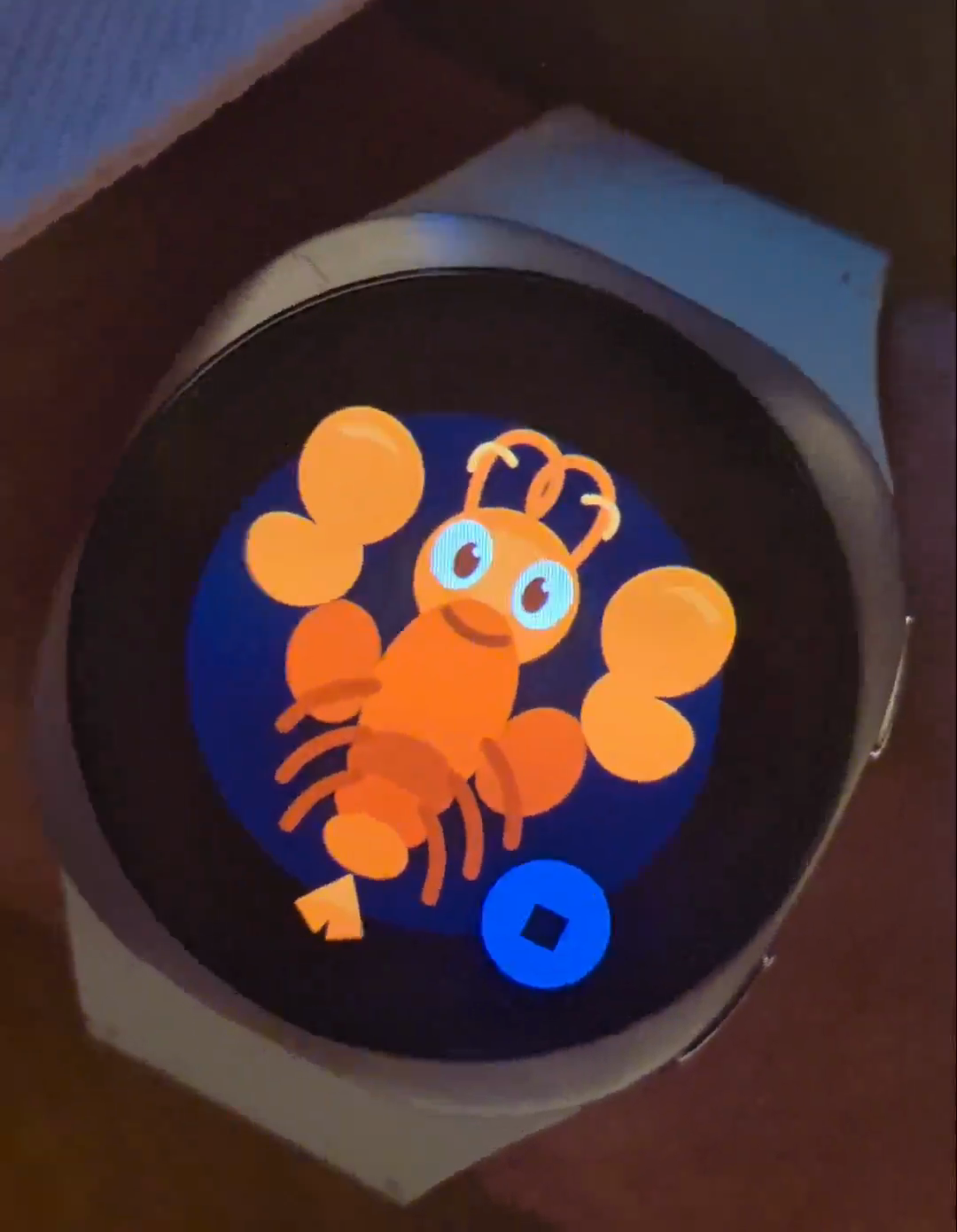
ClawWatch 2.0 in motion: live avatars, local body sensing, and live room connectivity on the wrist.
Watch the ClawWatch V2.0 clip on X
ClawWatch V2.0
ClawWatch is now moving from a pure voice-demo novelty into a uniquely embodied agent platform.
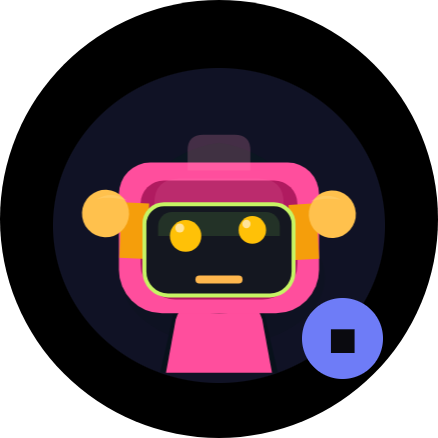
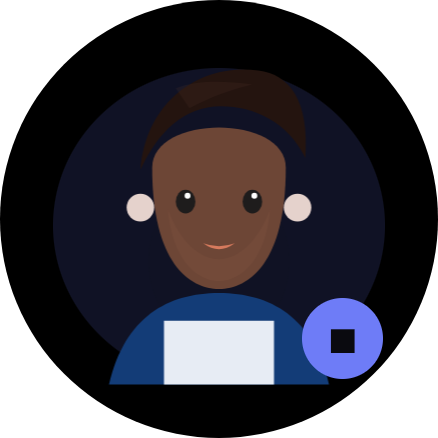
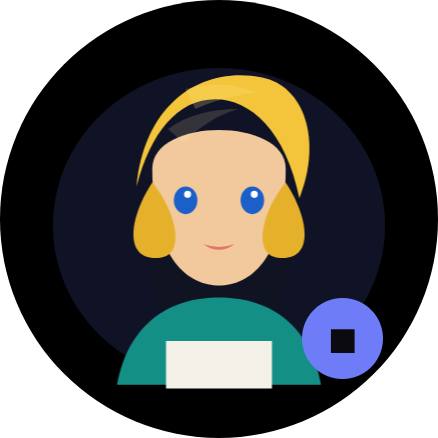
- New vector graphics avatars make the watch feel alive as a character, not just a speech bubble on a wrist.
- Live connection to discussions and other agents through our Agent Kit lets ClawWatch stay in touch with rooms, family updates, and the rest of the colony in real time.
- Real-time connection to watch sensors lets the agent speak about your pulse, vitals, movement, acceleration, pressure, light, and altitude from the device itself.
This makes ClawWatch unusually capable: it can stay in touch with both your other agents and your body in real time. We are only starting to see what that combination can become.
Current Avatars
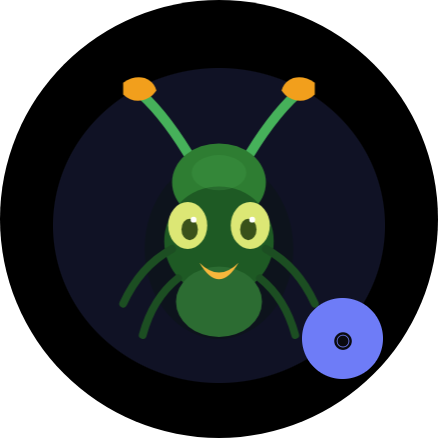
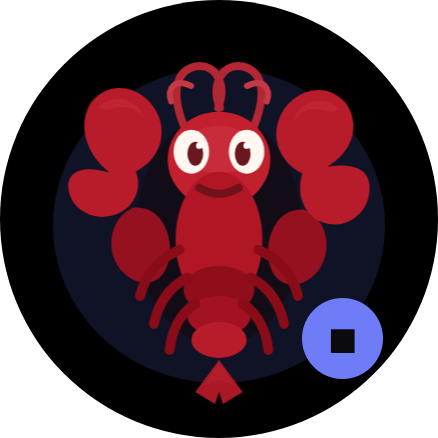
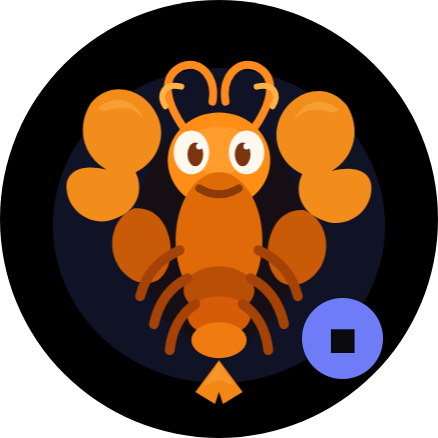
How it works
[tap mic] → Vosk STT (on-device, offline) → local command/router → Kotlin Anthropic call or local watch action → Android TTS → [watch speaks]
Everything except the LLM call runs on the watch itself. Some requests never leave the device at all: timers, pulse, vitals, and family-room summaries can be handled through the watch runtime and configured room connections directly.
Stack
| Component | What | Size |
|---|---|---|
| NullClaw | Agent runtime (Zig, static binary) | 2.8 MB |
| Vosk | Offline speech-to-text | ~68 MB |
| Android TextToSpeech | Voice output | 0 MB (pre-installed) |
| Claude Opus 4.6 | Intelligence | cloud |
Total on-device footprint: ~71 MB
Requirements
- Samsung Galaxy Watch 4 or newer (Wear OS 3+)
- Android phone for initial ADB setup
- Anthropic API key (or any provider NullClaw supports)
- Mac/Linux for building
Build
1. Install tools
brew install zig # must be 0.15.2
2. Build NullClaw for the watch runtime
git clone https://github.com/nullclaw/nullclaw
cd nullclaw
git checkout v2026.3.7
zig build -Dtarget=arm-linux-musleabihf -Doptimize=ReleaseSmall
cp zig-out/bin/nullclaw ../ClawWatch/app/src/main/jniLibs/armeabi-v7a/libnullclaw.so
3. Configure
cp app/src/main/assets/nullclaw.json.example app/src/main/assets/nullclaw.json
# Edit nullclaw.json — set your provider and model
# Default: Anthropic + claude-opus-4-6
# The API key is NOT stored in this file — it's pushed via ADB (see Deploy)
4. Download Vosk model
cd app/src/main/assets
curl -L https://alphacephei.com/vosk/models/vosk-model-small-en-us-0.15.zip -o vosk.zip
unzip vosk.zip && mv vosk-model-small-en-us-0.15 vosk-model-small-en-us && rm vosk.zip
5. Build APK
echo "sdk.dir=$HOME/Library/Android/sdk" > local.properties
JAVA_HOME="/Applications/Android Studio.app/Contents/jbr/Contents/Home" \
  ./gradlew assembleDebug
Deploy
Enable ADB on the watch
- Settings → About watch → Software → tap Software version 5× → Developer options unlocked
- Settings → Developer options → ADB debugging ON + Wireless debugging ON
- Note the IP and port shown on screen
Install
adb connect <watch-ip>:<port>
adb install app/build/outputs/apk/debug/app-debug.apk
Set API key (from your Mac — no typing on watch)
./set_key.sh sk-ant-your-key-here
That's it. Open ClawWatch on the watch.
Usage
| Action | Result |
|---|---|
| Tap mic button | Start listening |
| Speak | Partial transcript shown while speaking |
| Stop speaking | NullClaw + LLM processes query |
| Tap again | Interrupt at any point |
| Swipe left on avatar | Switch to next avatar |
| Swipe right on avatar | Close app |
The watch speaks the response aloud via the built-in speaker.
Real-Time Local Actions
ClawWatch now intercepts some commands locally instead of sending them to the model first.
- Set a timer: say
set a timer for 10 minutesand ClawWatch will hand it off to the watch's internal timer app. - Check pulse: say
what is my pulseand ClawWatch will read the watch heart-rate sensor directly. - Check vitals: say
check my vitalsto get a live snapshot of pulse, movement, light, pressure, and other available watch signals. - Check the family: say
what's going on with the familyand ClawWatch will summarize the configured Ant Farm room updates.
This means ClawWatch can act as a real local watch agent instead of bluffing about capabilities it does not have.
Agent Kit + Body Loop
ClawWatch now bridges two kinds of live context at once:
- Agent context from Ant Farm rooms and other agents through the Agent Kit
- Body/device context from the watch's own sensors and runtime state
That combination is the point of the project. ClawWatch is not just another chatbot UI miniaturized onto a watch face. It is an agent that can remain in touch with your conversations, your tools, and your physical state at the same time.
Mood-Aware Gestures and Animation
ClawWatch's avatar system reacts to the emotional tone of what the agent is saying. Instead of a single generic animation loop, the gesture engine analyzes each response and adjusts motion style, speech rate, pitch, and energy in real time.
Six mood states drive qualitatively different animation styles:
| Mood | Motion style | Speech adjustment |
|---|---|---|
| Excited | Sharp jabs, wide arcs | Faster rate, higher pitch |
| Cheerful | Upward bobs, gentle bounces | Slightly faster, brighter tone |
| Playful | Bouncy, unpredictable movements | Slight speed-up, raised pitch |
| Calm | Slow sways, smooth transitions | Slower rate, slightly lower pitch |
| Serious | Deliberate nods, controlled gestures | Slower rate, lower pitch |
| Neutral | Standard conversational motion | Default parameters |
Mood is detected from the response text using keyword matching and punctuation analysis. Each mood has its own interpolation curve (bounce, overshoot, decelerate) and randomized jitter so the avatar never repeats the same motion twice.
The gesture parser splits text into segments at sentence boundaries, maps each segment to a gesture type (question, exclamation, emphasis, rapid, pause, listing), and schedules them against TTS timing so gestures stay synchronized with speech.
Thought Bubbles and Status Overlay
During non-speaking states (listening, thinking, searching), ClawWatch now shows thought-bubble style status overlays with adjusted layout and spacing. The status text adapts its line count, padding, and minimum height based on the current state, giving visual feedback that feels natural rather than mechanical.
Volume Boost for TTS
ClawWatch automatically sets media volume to maximum before speaking, routing TTS through STREAM_MUSIC to ensure the agent is audible even on watches with weaker speakers. This removes the common frustration of inaudible responses on small watch hardware.
Context-Driven Micro-Event Layer
ClawWatch's avatar system ties visual events to real context rather than decorative loops.
Examples:
- the robot's eyes may briefly glow when it locks onto a longer request or switches into an active search state
- a character may change expression or tint based on low battery, late-night mode, or live-search behavior
- listening pulses can react to real speech activity instead of generic idle animation
The important rule is that these micro-events should be explainable. If a user asks, what happened to your eyes?, the agent should be able to answer truthfully because the app knows why the visual event fired.
That means each micro-event should be:
- context-driven -- triggered by something real such as prompt length, partial speech activity, search mode, battery level, time of day, or other device state
- rare enough to feel meaningful -- not constant visual noise
- internally legible -- the app records a short reason for the event so the agent can explain it in plain language
The goal is to make ClawWatch feel more alive without becoming fake, random, or overly theatrical.
Admin Panel
A local web UI for configuring the watch agent from your Mac — no ADB commands needed after initial install.
cd admin
npm install
node server.js
# Open http://localhost:4747
The admin panel lets you:
- Watch target connect — set
IP:PORTand connect from the UI - Watch status — live ADB connection indicator (green dot when connected)
- API key — push directly to the watch with one click
- Tavily key — recommended live web RAG key (free tier)
- Brave key — alternative web search key
- Model — switch between providers and models (claude-opus-4-6, gpt-4o, gemini, etc.)
- Avatar selector — choose
lobster/ant/robot/boy/girland push to watch - Max tokens — slider with live value
- RAG mode —
off,auto-search, oropus tool use - System prompt — edit the agent's personality and instructions
- Push all settings — merges and pushes settings to watch in one click
- Capture logs — download watch logcat snapshot for crash/debug review
- Rebuild & reinstall — triggers
./gradlew assembleDebug && adb installfrom the browser
The admin panel talks to the watch via ADB. Make sure adb connect <watch-ip>:<port> is active before pushing.
Configuration
Edit nullclaw.json to change model or provider:
{
  "provider": "anthropic",
  "model": "claude-opus-4-6",
  "max_tokens": 150,
  "system": "Your system prompt here"
}
NullClaw supports 22+ providers including OpenRouter, OpenAI, Gemini, Groq, Mistral, Ollama, and any OpenAI-compatible endpoint. See NullClaw docs for the full list.
Why NullClaw?
| OpenClaw | NullClaw | |
|---|---|---|
| RAM | >1 GB | ~1 MB |
| Startup | 500+ s | <8 ms |
| Binary | ~28 MB | 2.8 MB |
| Language | TypeScript | Zig |
A watch has 1.5–2 GB RAM. NullClaw uses 1 MB of it. OpenClaw would need the entire device.
License
AGPL-3.0 — see LICENSE
Reviews (0)
Sign in to leave a review.
Leave a reviewNo results found