amux
Health Pass
- License — License: NOASSERTION
- Description — Repository has a description
- Active repo — Last push 0 days ago
- Community trust — 105 GitHub stars
Code Fail
- rm -rf — Recursive force deletion command in .github/workflows/backup-cloud.yml
Permissions Pass
- Permissions — No dangerous permissions requested
No AI report is available for this listing yet.
Open-source Claude Code agent multiplexer — run dozens of parallel AI coding agents unattended via tmux
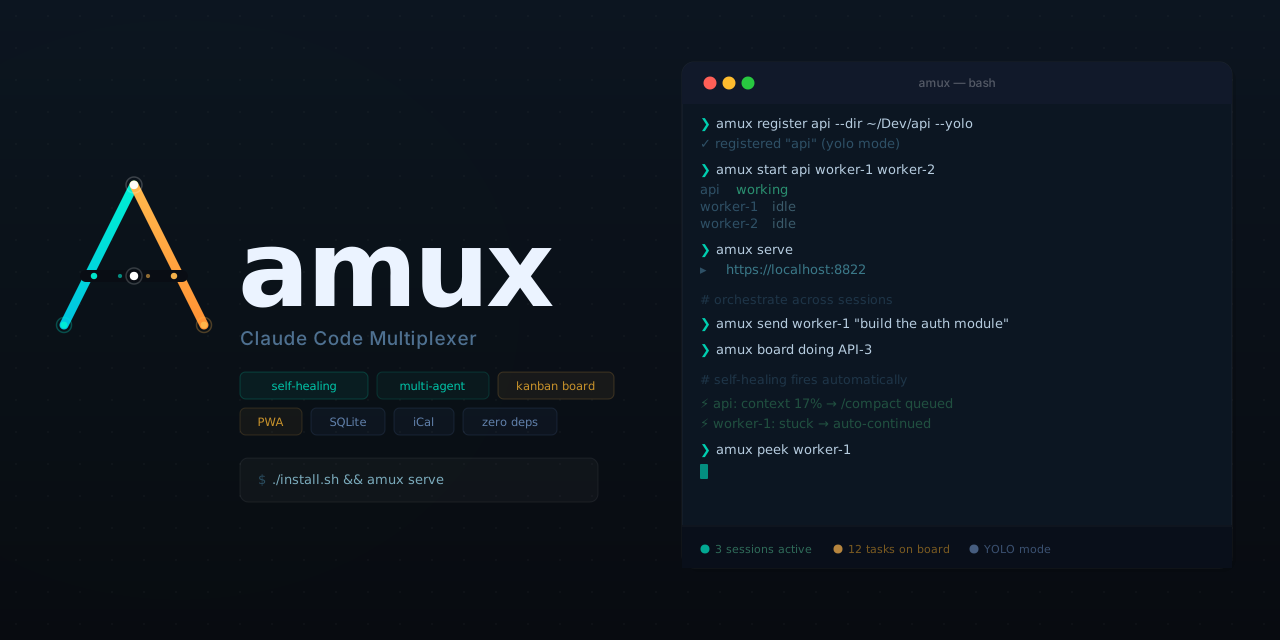
Open-source Claude Code agent multiplexer. Run dozens of parallel AI coding agents, unattended, from your browser or phone. Self-healing watchdog, shared kanban board, agent-to-agent orchestration — no build step, no external services. Python 3 + tmux.
amux.io · Getting started · FAQ · Blog
git clone https://github.com/mixpeek/amux && cd amux && ./install.sh
amux register myproject --dir ~/Dev/myproject --yolo
amux start myproject
amux serve   # → https://localhost:8822
License: MIT + Commons Clause — free to use, modify, and self-host. Commercial resale requires a separate license.
Why amux?
| Problem | amux's solution |
|---|---|
| Claude Code crashes at 3am from context compaction | Self-healing watchdog — auto-compacts, restarts, replays last message |
| Can't monitor 10+ sessions from one place | Web dashboard — live status, token spend, peek into any session |
| Agents duplicate work on the same task | Kanban board with atomic task claiming (SQLite CAS) |
| No way to manage agents from your phone | Mobile PWA — works on iOS/Android, offline support with Background Sync |
| Agents can't coordinate with each other | REST API orchestration — send messages, peek output, claim tasks between sessions |
Key Features
- Self-healing — auto-compacts context, restarts on corruption, unblocks stuck prompts. Learn more →
- Parallel agents — run dozens of sessions, each with a UUID that survives stop/start
- Web dashboard — session cards, live terminal peek, file explorer, search across all output. Learn more →
- Kanban board — SQLite-backed with auto-generated keys, atomic claiming, custom columns, iCal sync
- Agent orchestration — agents discover peers and delegate work via REST API + shared global memory. Learn more →
- Mobile PWA — installable on iOS/Android, Background Sync replays commands on reconnect. Learn more →
- Token tracking — per-session daily spend with cache reads broken out
- Conversation fork — clone session history to new sessions on separate branches
- Git conflict detection — warns when agents share a dir + branch, one-click isolation
- Built-in cron — schedule recurring commands, computed atomically in SQLite
- Single file — ~23,000 lines of Python + inline HTML/CSS/JS. Edit it; it restarts on save. Learn more →
How It Works
Status Detection
Parses ANSI-stripped tmux output — no hooks, no patches, no modifications to Claude Code.
Self-Healing Watchdog
| Condition | Action |
|---|---|
| Context < 20% | Sends /compact (5-min cooldown) |
redacted_thinking … cannot be modified |
Restarts + replays last message |
Stuck waiting + CC_AUTO_CONTINUE=1 |
Auto-responds based on prompt type |
| YOLO session + safety prompt | Auto-answers (never fires on model questions) |
Agent-to-Agent Orchestration
# Send a task to another session
curl -sk -X POST -H 'Content-Type: application/json' \
  -d '{"text":"implement the login endpoint and report back"}' \
  $AMUX_URL/api/sessions/worker-1/send

# Atomically claim a board item
curl -sk -X POST $AMUX_URL/api/board/PROJ-5/claim

# Watch another session's output
curl -sk "$AMUX_URL/api/sessions/worker-1/peek?lines=50" | \
  python3 -c "import json,sys; print(json.load(sys.stdin).get('output',''))"
Agents get the full API reference in their global memory, so plain-English orchestration just works.
Web Dashboard
- Session cards — live status (working / needs input / idle), token stats, quick-action chips
- Peek mode — full scrollback with search, file previews, and a send bar
- Workspace — full-screen tiled layout to watch multiple agents side by side
- Board — kanban backed by SQLite, with atomic task claiming, iCal sync, and custom columns
- Reports — pluggable spend dashboards pulling from vendor billing APIs
CLI
amux register <name> --dir <path> [--yolo] [--model sonnet]
amux start <name>
amux stop <name>
amux attach <name>          # attach to tmux
amux peek <name>            # view output without attaching
amux send <name> <text>     # send text to a session
amux exec <name> -- <prompt> # register + start + send in one shot
amux ls                     # list sessions
amux serve                  # start web dashboard
Session names support prefix matching — amux attach my resolves to myproject if unambiguous.
Install
Requires tmux and python3.
git clone https://github.com/mixpeek/amux && cd amux
./install.sh   # installs amux to /usr/local/bin
HTTPS
Auto-generates TLS in order: Tailscale cert → mkcert → self-signed fallback. For phone access, Tailscale is the easiest path. Remote access guide →
Trusting the certificate on your phone
The PWA uses a service worker for offline support — managing sessions, checking the board, and sending messages all work without a connection. For the service worker to register, your phone's browser must trust the HTTPS certificate. If you're using mkcert, your phone won't trust the CA by default. Serve it over HTTP so your phone can download and install it:
python3 -c "
import http.server, os, socketserver
CA = os.path.expanduser('~/Library/Application Support/mkcert/rootCA.pem')
class H(http.server.BaseHTTPRequestHandler):
    def do_GET(self):
        if self.path == '/':
            self.send_response(200); self.send_header('Content-Type','text/html'); self.end_headers()
            self.wfile.write(b'<a href=\"/rootCA.pem\">Download CA cert</a>')
        elif self.path == '/rootCA.pem':
            data = open(CA,'rb').read()
            self.send_response(200); self.send_header('Content-Type','application/x-pem-file')
            self.send_header('Content-Disposition','attachment; filename=\"rootCA.pem\"')
            self.send_header('Content-Length',len(data)); self.end_headers(); self.wfile.write(data)
socketserver.TCPServer.allow_reuse_address = True
http.server.HTTPServer(('0.0.0.0', 8888), H).serve_forever()
"
Then open http://<your-ip>:8888 on your phone (use your Tailscale IP if on Tailscale, or LAN IP if on the same Wi-Fi).
iOS: Settings → General → VPN & Device Management → install the profile, then Settings → General → About → Certificate Trust Settings → enable full trust.
Android: Settings → Security → Install a certificate → CA certificate → select the downloaded file.
Compare
See how amux compares to other AI coding tools:
- amux vs Claude Code Agent Teams — built-in sub-agents vs. independent session fleet
- amux vs Cursor — AI IDE vs. headless agent orchestrator
- amux vs Aider — single-session pair programming vs. parallel agents
- amux vs Devin — proprietary autonomous engineer vs. open-source fleet
- amux vs GitHub Copilot — inline completions vs. autonomous agent fleet
- amux vs OpenHands — sandboxed agent vs. tmux-native fleet
- amux vs Windsurf — AI IDE vs. parallel agents
- amux vs Bolt.new — browser-based generation vs. local agent fleet
- amux vs AutoGen — Microsoft framework vs. Claude-native orchestrator
- amux vs DIY tmux scripts — what you're missing with manual management
- All comparisons →
Use Cases
- Parallel feature development — one agent per feature, ship a week's work in a day
- AI coding while you sleep — self-healing agents that work overnight
- Test generation at scale — full test coverage by morning
- Large-scale refactoring — one agent per module
- Automated code review — parallel review agents across your PR
- Bug triage and fixing — assign each bug to its own agent
- Documentation generation — docs written while you ship features
- Legacy code modernization — parallel rewrites with isolated branches
- All use cases →
For Your Stack
- Python developers — parallel agents for data pipelines, APIs, and scripts
- TypeScript developers — type-safe parallel development
- React developers — components, tests, and stories in parallel
- Go developers — fast compilation, parallel module work
- Rust developers — run agents while the compiler runs
- Backend developers — APIs, migrations, tests in parallel
- All stacks →
By Role
- Solo developers — replace a full team with a coordinated agent fleet
- Startup CTOs — multiply engineering output without hiring
- Engineering managers — delegate implementation, keep architectural control
- Freelance developers — take on more clients, deliver faster
- Bootstrapped founders — ship a product on a solo founder's time budget
- All roles →
Resources
- Getting started guide
- Running 10+ agents in parallel
- Agent-to-agent orchestration
- Self-healing configuration
- Setting up YOLO mode
- Using MCP servers with amux
- Cost optimization
- FAQ
- REST API reference
- Blog
- Glossary
Security
Local-first. No auth built in — use Tailscale or bind to localhost. Never expose port 8822 to the internet.
Reviews (0)
Sign in to leave a review.
Leave a reviewNo results found