pi-tool-display
Health Gecti
- License — License: MIT
- Description — Repository has a description
- Active repo — Last push 0 days ago
- Community trust — 35 GitHub stars
Code Basarisiz
- exec() — Shell command execution in src/diff-renderer.ts
- process.env — Environment variable access in src/modal-icons.ts
Permissions Gecti
- Permissions — No dangerous permissions requested
Bu listing icin henuz AI raporu yok.
Compact tool call rendering, diff visualization, and output truncation extension for Pi coding agent. Hides, collapses, and truncates verbose tool output for cleaner TUI display.
pi-tool-display
OpenCode-style tool rendering for the Pi coding agent.
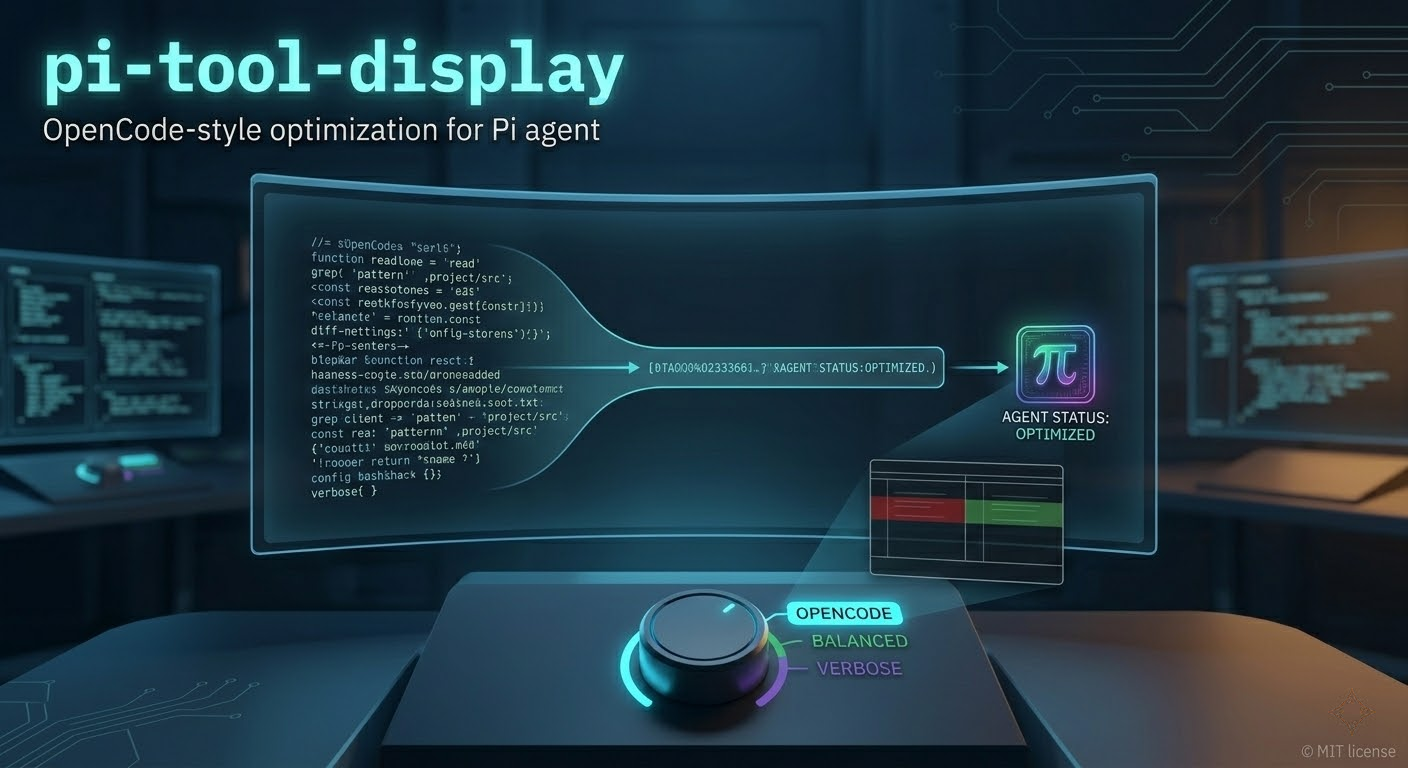
pi-tool-display keeps tool calls compact by default, adds richer diff rendering for file edits, and improves a few core chat UI details such as thinking labels and the native user prompt box.
Features
- Compact built-in tool rendering for
read,grep,find,ls,bash,edit, andwrite - MCP-aware rendering with hidden, summary, and preview modes
- Adaptive edit/write diffs with split or unified layouts, syntax highlighting, inline emphasis, and narrow-pane width clamping
- Progressive collapsed diff hints that shorten automatically on small terminal widths instead of overflowing
- Three presets:
opencode,balanced, andverbose - Thinking labels during streaming and final message rendering, with context sanitization to avoid leaking presentation labels back into future model turns
- Optional native user message box with markdown-aware rendering and safer ANSI/background handling
- Per-tool ownership toggles so this extension can coexist with other renderer extensions
- Capability-aware settings that automatically hide MCP and RTK-specific controls when those features are unavailable
Installation
Local extension folder
Place this folder in one of Pi's auto-discovery locations:
# Global (all projects)
~/.pi/agent/extensions/pi-tool-display

# Project-specific
.pi/extensions/pi-tool-display
npm package
pi install npm:pi-tool-display
Git repository
pi install git:github.com/MasuRii/pi-tool-display
Usage
Interactive settings
Open the settings modal:
/tool-display
The modal exposes the day-to-day controls most people change regularly:
- preset profile
- read output mode
- grep/find/ls output mode
- MCP output mode (when MCP is available)
- preview line count
- bash collapsed line count
- diff layout mode
- native user message box toggle
Advanced options remain in config.json.
Direct commands
/tool-display show                    # Show the effective config summary
/tool-display reset                   # Reset to the default opencode preset
/tool-display preset opencode         # Apply opencode preset
/tool-display preset balanced         # Apply balanced preset
/tool-display preset verbose          # Apply verbose preset
Presets
| Preset | Read Output | Search Output | MCP Output | Bash Output | Preview Lines | Bash Lines |
|---|---|---|---|---|---|---|
opencode |
hidden | hidden | hidden | opencode | 8 | 10 |
balanced |
summary | count | summary | summary | 8 | 10 |
verbose |
preview | preview | preview | preview | 12 | 20 |
opencode(default): minimal inline-only display; tool results stay collapsedbalanced: compact summaries with line counts and match totals; bash shows line count onlyverbose: larger previews for read/search/MCP/bash output
Bash Output Modes
| Mode | Behavior |
|---|---|
opencode |
Classic collapsed output using bashCollapsedLines limit with expansion hint |
summary |
Shows only line count (e.g., "↳ 3 lines returned") — no output displayed |
preview |
Shows actual output lines using previewLines limit |
Configuration
Runtime configuration is stored at:
~/.pi/agent/extensions/pi-tool-display/config.json
A starter template is included at config/config.example.json.
Configuration options
| Option | Type | Default | Description |
|---|---|---|---|
registerToolOverrides |
object | all true |
Per-tool ownership flags |
enableNativeUserMessageBox |
boolean | true |
Enable bordered user prompt rendering |
readOutputMode |
string | "hidden" |
hidden, summary, or preview |
searchOutputMode |
string | "hidden" |
hidden, count, or preview |
mcpOutputMode |
string | "hidden" |
hidden, summary, or preview |
previewLines |
number | 8 |
Lines shown in collapsed preview mode |
expandedPreviewMaxLines |
number | 4000 |
Max preview lines when fully expanded |
bashOutputMode |
string | "opencode" |
opencode (collapse), summary (line count), or preview (show lines) |
bashCollapsedLines |
number | 10 |
Lines shown for collapsed bash output (opencode mode) |
diffViewMode |
string | "auto" |
auto, split, or unified |
diffSplitMinWidth |
number | 120 |
Minimum width before auto mode prefers split diffs |
diffCollapsedLines |
number | 24 |
Diff lines shown before collapsing |
diffWordWrap |
boolean | true |
Wrap long diff lines when needed |
showTruncationHints |
boolean | false |
Show truncation indicators for compacted output |
showRtkCompactionHints |
boolean | false |
Show RTK compaction hints when RTK metadata exists |
Tool ownership
Use registerToolOverrides to control which built-in tools this extension owns:
{
  "registerToolOverrides": {
    "read": true,
    "grep": true,
    "find": true,
    "ls": true,
    "bash": true,
    "edit": true,
    "write": true
  }
}
Set any entry to false if another extension should handle that tool instead.
Changes to tool ownership take effect after
/reload.
Example config
{
  "registerToolOverrides": {
    "read": true,
    "grep": true,
    "find": true,
    "ls": true,
    "bash": true,
    "edit": true,
    "write": true
  },
  "enableNativeUserMessageBox": true,
  "readOutputMode": "summary",
  "searchOutputMode": "count",
  "mcpOutputMode": "summary",
  "previewLines": 12,
  "expandedPreviewMaxLines": 4000,
  "bashOutputMode": "opencode",
  "bashCollapsedLines": 15,
  "diffViewMode": "auto",
  "diffSplitMinWidth": 120,
  "diffCollapsedLines": 24,
  "diffWordWrap": true,
  "showTruncationHints": false,
  "showRtkCompactionHints": false
}
Rendering notes
Edit and write diffs
edit and write results use the same diff renderer. In auto mode the extension chooses split or unified layout based on available width. On narrow panes it clamps rendered lines and shortens collapsed hint text so the diff stays readable instead of spilling past the terminal width.
Write summaries
When content is available, write call summaries include line count and byte size information inline so you can quickly see the size of the pending write before expanding the result.
Thinking labels
Thinking blocks are labeled during streaming and on final messages. Before the next model turn, the extension sanitizes those presentation labels out of the stored assistant context so they do not accumulate or pollute future prompts.
Native user message box
When enabled, user prompts render inside a bordered box using Pi's native user message component. The renderer preserves markdown content more safely and normalizes ANSI/background handling to avoid odd nested background artifacts.
Capability detection
The extension checks the current Pi environment and adjusts behavior automatically:
- MCP tooling unavailable: MCP settings are hidden and MCP output is forced off
- RTK optimizer unavailable: RTK hint settings are hidden and RTK compaction hints are disabled
This keeps the UI aligned with what the current environment can actually support.
Troubleshooting
Tool ownership conflicts
If another extension is already rendering one of the built-in tools:
- Set
registerToolOverrides.<tool>tofalse - Run
/reload - Use
/tool-display showto confirm the effective ownership state
Config not loading
If your settings are not being applied:
- Check that
~/.pi/agent/extensions/pi-tool-display/config.jsonexists - Make sure the JSON is valid
- Run
/tool-display showto inspect the effective config summary
MCP or RTK settings missing
Those controls only appear when the corresponding capability is available in the current Pi environment.
Project structure
pi-tool-display/
├── index.ts                         # Extension entrypoint for Pi auto-discovery
├── src/
│   ├── index.ts                     # Bootstrap and extension registration
│   ├── capabilities.ts              # MCP/RTK capability detection
│   ├── config-modal.ts              # /tool-display settings UI and command handling
│   ├── config-store.ts              # Config load/save and normalization
│   ├── diff-renderer.ts             # Edit/write diff rendering engine
│   ├── line-width-safety.ts         # Width clamping helpers for narrow panes
│   ├── presets.ts                   # Preset definitions and matching
│   ├── render-utils.ts              # Shared rendering helpers
│   ├── thinking-label.ts            # Thinking label formatting and context sanitization
│   ├── tool-overrides.ts            # Built-in and MCP renderer overrides
│   ├── types.ts                     # Shared config and type definitions
│   ├── user-message-box-markdown.ts # Markdown extraction for user message rendering
│   ├── user-message-box-native.ts   # Native user message box registration
│   ├── user-message-box-patch.ts    # Safe native render patching helpers
│   ├── user-message-box-renderer.ts # User message border renderer
│   ├── user-message-box-utils.ts    # ANSI/background normalization helpers
│   ├── write-display-utils.ts       # Write summary helpers
│   └── zellij-modal.ts              # Modal UI primitives
├── config/
│   └── config.example.json          # Starter config template
├── tests/
│   └── tool-ui-utils.test.ts        # Utility tests for user message and diff helpers
└── assets/
    └── pi-tool-display.png          # README screenshot
Development
# Type check
npm run build

# Run tests
npm run test

# Full verification
npm run check
Related extensions
- pi-rtk-optimizer — RTK optimizer for token-efficient source output
License
Yorumlar (0)
Yorum birakmak icin giris yap.
Yorum birakSonuc bulunamadi