standin
Health Warn
- License — License: MIT
- Description — Repository has a description
- Active repo — Last push 0 days ago
- Low visibility — Only 6 GitHub stars
Code Pass
- Code scan — Scanned 12 files during light audit, no dangerous patterns found
Permissions Pass
- Permissions — No dangerous permissions requested
No AI report is available for this listing yet.
StandIn: put your AI agent into Microsoft Teams calls as a real participant, in your own tenant. agent backends (OpenClaw, Hermes Agent, LiveKit, ElevenLabs, OpenAI Realtime, Deepgram, Cartesia)
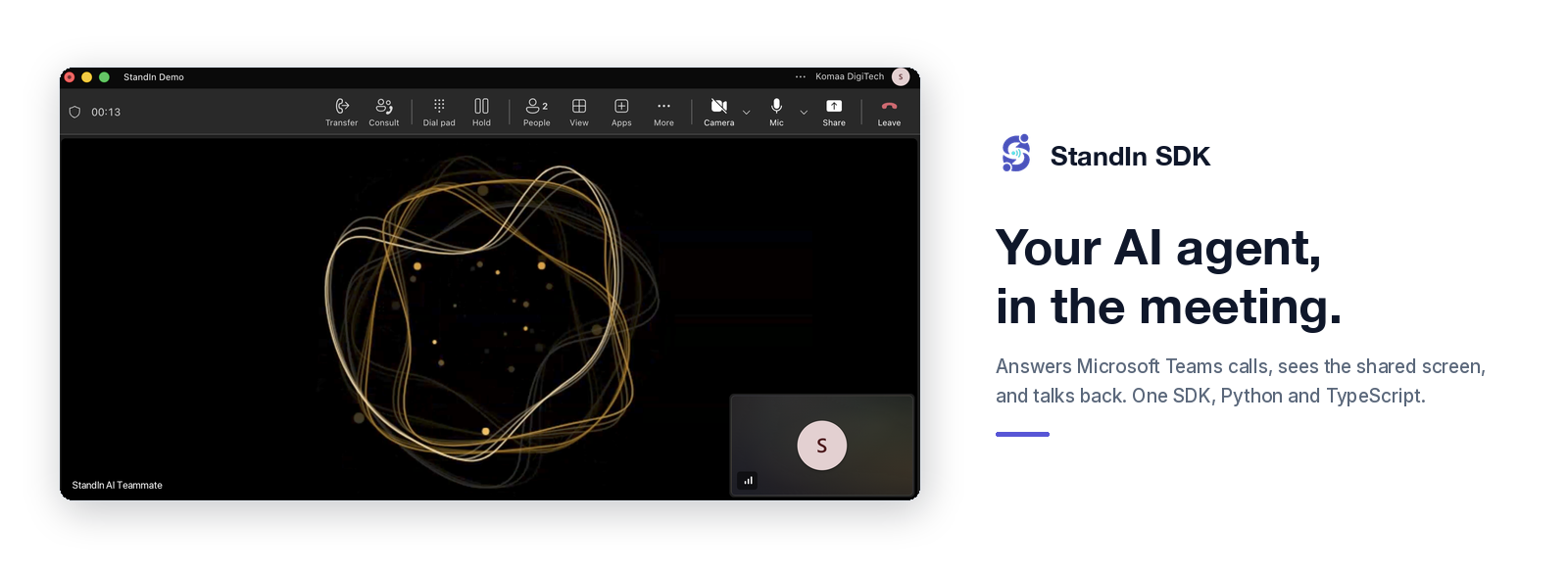
StandIn SDK
About · How It Works · Quickstart · Plugins · Agent Skills · Documentation
About
StandIn is the open-source SDK that gives your AI agent a seat in Microsoft Teams. It answers calls,
joins meetings, sees the shared screen, and replies in chat, as a real participant in your own tenant.
You build the agent. StandIn handles everything between it and Microsoft Teams: joining the call, the Microsoft
side, the media, and the avatar tile. There is no Microsoft Teams SDK to learn, no Graph API, and no media
infrastructure to run.
- Build with one API in Python or TypeScript. Same surface, same contract, at parity.
- Connect what you already run: ElevenLabs, Deepgram, Cartesia, OpenAI, LiveKit, Hermes
Agent, OpenClaw, or your own agent in about 80 lines. - Try it before writing any agent code. The built-in echo answers a real call and sends your own
voice back.
How It Works
Three parts, and you only write the last one.
| StandIn | Joins the Microsoft Teams call and owns the Microsoft side: the bot identity, the media, and the avatar tile the caller sees. |
| This SDK | Runs in your worker. It answers StandIn's connection, keeps the call healthy, and hands you the caller's voice. |
| Your agent | Replies. Bring a framework you already run, or write a handler yourself. |
Microsoft Teams <--> StandIn <--> your worker <--> your agent
The SDK is the transport. Speech recognition, speech generation and reasoning stay with your framework
or provider, so you keep the brain and StandIn never sees your model keys.
What it does so you do not have to: authenticate the connection, keep one live call per caller, pace the
audio in both directions, stop the agent talking over someone who interrupts, and shut down cleanly when
a call ends or a provider fails.
It also gives your agent the things that belong to being on a call rather than to any provider, so each
plugin gets them without writing them again:
| Call tools | Hang up, react with an expression, put an image on the bot's tile, look at the shared screen, look back at one already gone. Declared once and rendered into whichever JSON your provider wants. |
| Vision and display | Frames from the caller's camera and screen share, a vision budget, a recording-gated keyframe history, and images or documents drawn onto the bot's own tile. |
| Consultation | Delegate real work to a slower agent without stalling the call, and durable background tasks whose promised result survives a restart. |
| Meeting recap | A bounded transcript of what was said and what was shown, written up as minutes and posted to the chat, with a Word document beside it. |
| Outbound calling | Place a call, park what to say until it is answered, and fall back to chat when nobody picks up. Speak into a call that is already up instead of ringing somebody twice. |
| Turn-taking | Utterance segmentation, paced playback and barge-in, composed into one lane so an agent that only reads and writes text can hold a phone call. |
| Lip-sync and expression | A viseme timeline estimated from the text and spread over the audio actually sent, for Latin and Arabic, plus an emotion cue that costs no extra model call. |
| Checking the install | Ring your own worker on loopback and report what worked, with no provider bill, no tunnel and no Microsoft tenant. |
The documentation covers the wire protocol and audio format when you need them.
Quickstart
The built-in echo plugin answers a real Microsoft Teams call and sends your voice back, so you can prove
the connection before adding an agent. It needs no framework and no API key.
python3 -m venv .venv
source .venv/bin/activate
pip install standin-sdk

export STANDIN_SECRET="your-StandIn-connection-secret"
python -m standin.plugins.echo
Or in TypeScript, the same echo, the same wire protocol:
npm install @komaa/standin-sdk

export STANDIN_SECRET="your-StandIn-connection-secret"
npx standin-echo
Create an identity at standin.komaa.com, expose port 9442 through a tunnel
or ingress, and register the public wss:// URL with the /msteams/calling path as that identity's
agent voice URL. Then call it from Microsoft Teams and hear yourself.
Once that works, swap the echo for your agent. The whole contract is seven callbacks, and you implement only
the ones you need.
Python
from standin import CallServer, CallSession


class MyAgent:
    async def on_start(self, session: CallSession) -> None:
        self._call = session

    async def on_caller_audio(self, pcm: bytes) -> None:
        await self._call.send_audio(await my_framework.respond(pcm))   # your agent


server = CallServer(handler_factory=MyAgent)
await server.start()
TypeScript
import { CallServer, type CallSession } from "@komaa/standin-sdk";

class MyAgent {
  #call!: CallSession;

  async onStart(session: CallSession) {
    this.#call = session;
  }

  async onCallerAudio(pcm: Buffer) {
    await this.#call.sendAudio(await myFramework.respond(pcm)); // your agent
  }
}

await new CallServer({ handlerFactory: () => new MyAgent() }).start();
Plugins
Every plugin ships inside the one package, so a new capability lands once and all of them get
it. Each one lives in libraries/python/standin/plugins/ orlibraries/typescript/src/plugins/, and has a runnable example under examples/.
| Your agent | Python | TypeScript | Example |
|---|---|---|---|
| ElevenLabs | yes | yes | elevenlabs-msteams-connector |
| Deepgram | yes | yes | deepgram-msteams-connector |
| Cartesia | yes | yes | cartesia-msteams-connector |
| OpenAI Realtime | yes | openai-msteams-connector | |
| LiveKit | yes | yes | livekit-msteams-connector |
| Hermes Agent | yes | hermes-msteams-connector | |
| OpenClaw | yes | openclaw-msteams-connector | |
| Your own | yes | yes | Python echo, TypeScript echo |
Most of them cost nothing to install. ElevenLabs, Deepgram and Cartesia are reached over an
ordinary WebSocket in both languages, and OpenAI Realtime the same way in TypeScript, so they
are already there after pip install standin-sdk or npm install @komaa/standin-sdk, with no
extra dependency at all.
Only a plugin that runs a framework inside your process asks for more, and it says so in
one line: pip install "standin-sdk[livekit]" or pip install "standin-sdk[hermes-agent]" in
Python, or the optional peer packages named by the plugin in TypeScript.
Missing yours? Adding one is a copy of the echo plugin plus a few lines of glue. See
CONTRIBUTING.md.
Agent Skills
A coding agent can install these and wire StandIn for you: connection secret, OpenClaw,
Hermes Agent, and publishing /msteams/calling.
npx skills add komaa-com/skills
| Skill | What it teaches the agent |
|---|---|
| setup-standin | Get a StandIn connection from the portal and install the SDK. |
| standin-openclaw | Load the OpenClaw plugin (standin-msteams) and merge openclaw.json. |
| standin-hermes-agent | Enable the Hermes Agent plugin and serve the call listener. |
| expose-standin | Publish /msteams/calling, probe the mount, and register the agent calling URL. |
Install one skill with npx skills add komaa-com/skills --skill standin-openclaw.
The skills live in komaa-com/skills, not in this repository.
Documentation
Full guides, the call handler reference, the audio and chat lanes, and the security model live at
docs.komaa.com.
Demo
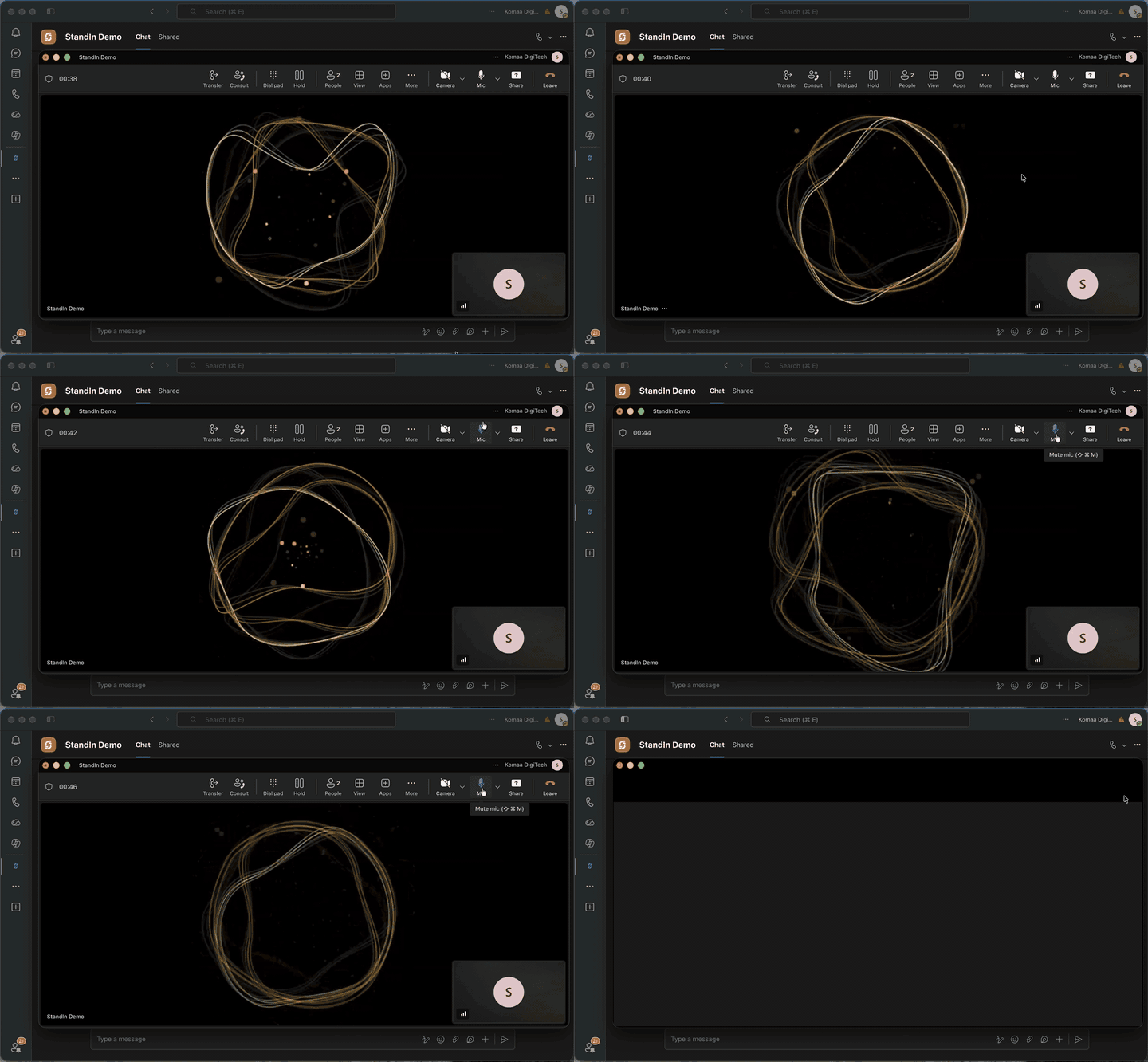
A real Microsoft Teams call: the agent answers, sees the shared screen, speaks when addressed, and appears as a
lip-synced avatar.
Contributing
Issues and pull requests are welcome, and a new plugin is the most useful thing you can add.make check needs no API keys, no Microsoft tenant and no StandIn account, so a pull request from a fork
passes CI without any secrets. See CONTRIBUTING.md.
License
MIT, copyright 2026 Komaa DigiTech.
StandIn is independent software. It is not affiliated with, endorsed by, or sponsored by Microsoft.
Microsoft and Microsoft Teams are trademarks of the Microsoft group of companies.
Reviews (0)
Sign in to leave a review.
Leave a reviewNo results found