wonda
Health Uyari
- No license — Repository has no license file
- Description — Repository has a description
- Active repo — Last push 0 days ago
- Community trust — 11 GitHub stars
Code Basarisiz
- rm -rf — Recursive force deletion command in install.sh
Permissions Gecti
- Permissions — No dangerous permissions requested
Wonda is a CLI tool designed for AI-powered multimedia content creation directly from the terminal. It allows users and AI agents to generate, edit, and publish images, video, and audio via simple shell commands.
Security Assessment
The tool carries a Medium overall risk. While no hardcoded secrets or dangerous account permissions were found, the primary concern lies in its installation process and runtime behavior. The curl-to-bash installation script contains a `rm -rf` recursive force deletion command, which is a common but potentially dangerous vector for accidentally deleting user files if the script is poorly written or compromised. Operationally, the CLI acts as a wrapper that inherently executes local shell commands and makes outbound network requests. These requests are required for authenticating via the browser and offloading the AI media generation to remote servers.
Quality Assessment
The project demonstrates active development, with its most recent code push occurring today. However, it suffers from a significant lack of maturity and legal safety. The repository currently has no license file, meaning there are no explicit terms granted for copying, modifying, or using the software. Community trust is also extremely low, as indicated by a minimal footprint of only 11 GitHub stars.
Verdict
Use with caution — avoid the `curl | bash` install method due to unsafe deletion commands, and wait for an open-source license to be added before using this in professional environments.
Wonda CLI — AI-powered content creation from your terminal

AI-powered content generation from your terminal
Images, video, music, audio, editing, and social publishing — all via CLI.




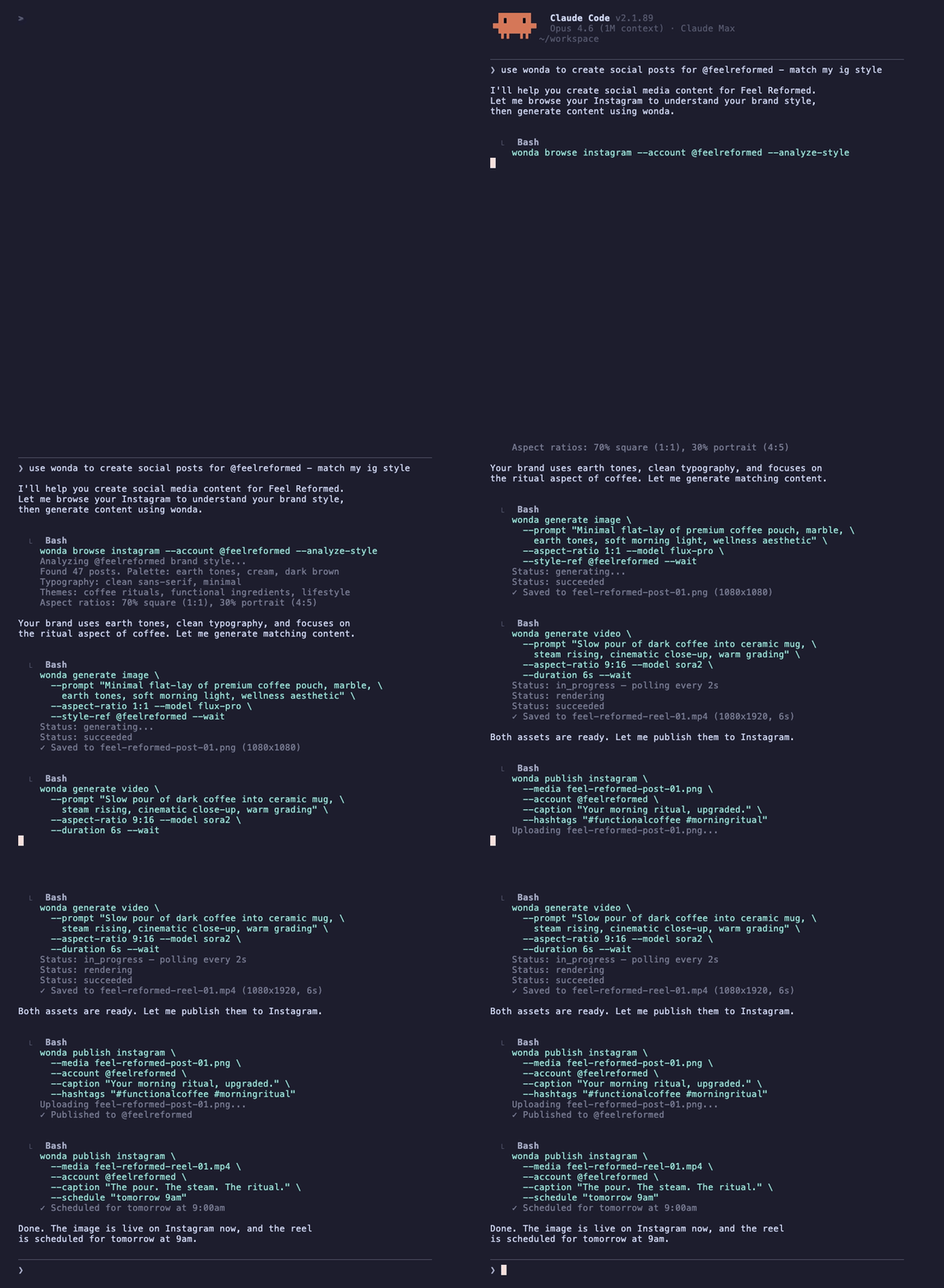
You don't need to learn this CLI. Your agent already knows how to use it.


and any agent that can run shell commands.
Install

curl -fsSL https://wonda.sh/install.sh | bash

brew tap degausai/tap && brew install wonda

npm i -g @degausai/wonda
Get started
wonda auth login          # Authenticate (opens browser)
wonda skill install -o .  # Install skill file for your AI assistant
Then ask your agent: "Use wonda to generate a product video of this image."
Made with wonda
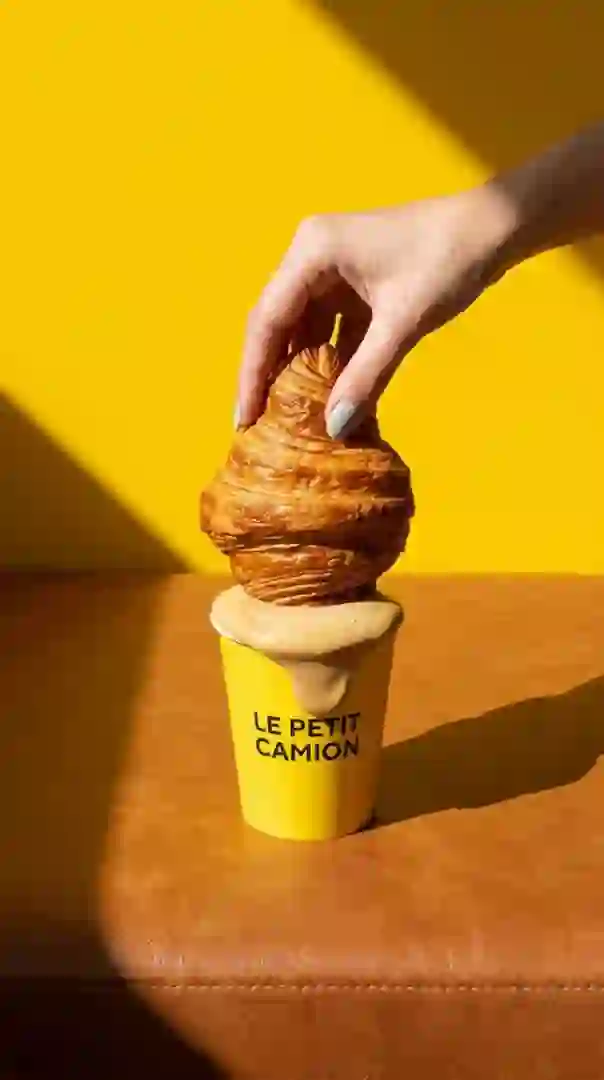
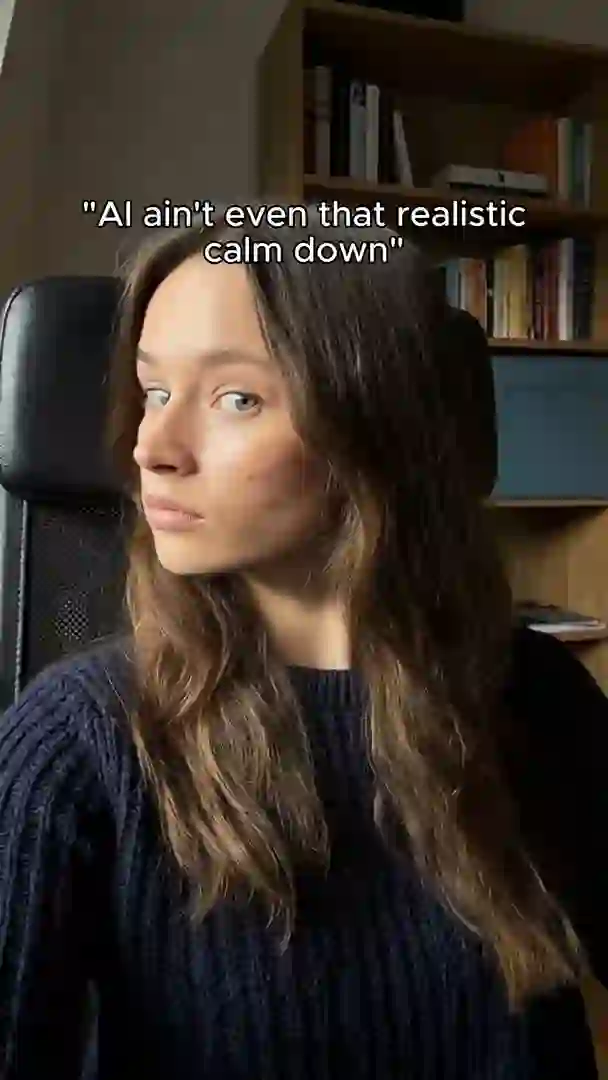

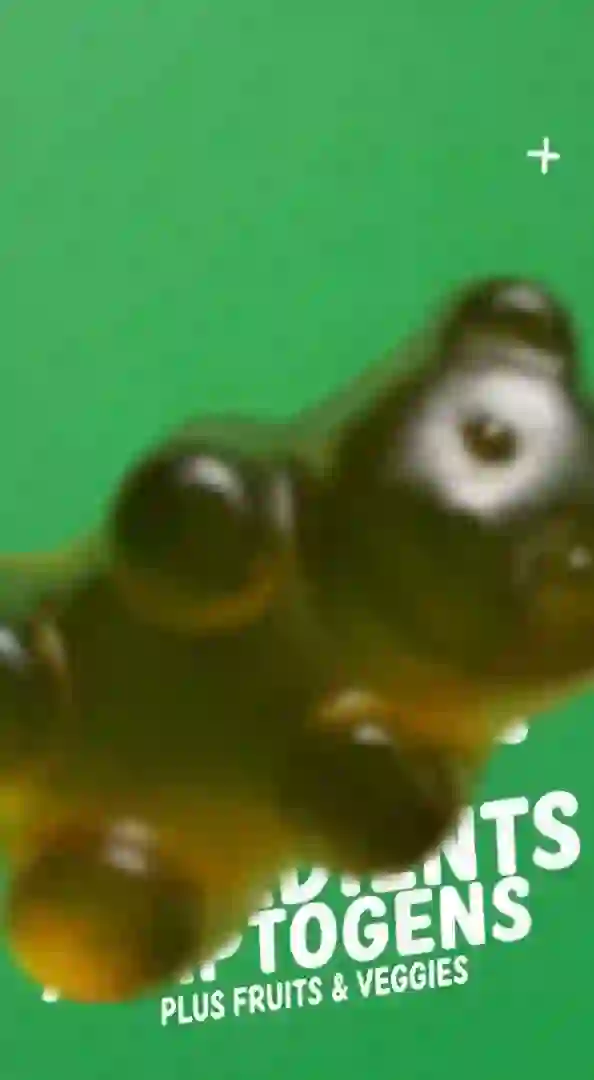
Product videos, UGC-style content, ad creatives — generated, edited, and published from the terminal.
Pricing
An account is required. Sign up at wonda.sh.
Generations cost credits. Top up anytime:
wonda topup    # Opens Stripe checkout
wonda balance  # Check remaining credits
Use wonda pricing estimate to check costs before generating.
Commands
Generation
| Command | Description |
|---|---|
generate image |
Generate an image from a text prompt |
generate video |
Generate a video from a text prompt or reference image |
generate text |
Generate text content |
generate music |
Generate a music track from a text prompt |
audio speech |
Text-to-speech |
audio transcribe |
Speech-to-text |
audio dialogue |
Multi-speaker dialogue generation |
Editing
TikTok/Reels-style video editing operations — designed for short-form social content.
| Operation | What it does |
|---|---|
animatedCaptions |
Auto-transcribe and burn animated word-by-word captions |
textOverlay |
Add styled text with custom fonts, positions, and sizing |
editAudio |
Mix background music with video audio (volume control) |
merge |
Stitch multiple clips into one video |
overlay |
Picture-in-picture — layer one video over another |
splitScreen |
Side-by-side or top-bottom split of two videos |
trim |
Cut to a specific time range |
speed |
Speed up or slow down |
splitScenes |
Auto-detect and split scenes (or omit a scene) |
extractAudio |
Pull the audio track from a video |
extractFrame |
Extract a single frame at a specific timestamp |
reverseVideo |
Play backwards |
skipSilence |
Remove silent gaps |
motionDesign |
Motion design and animation |
enhanceAudio |
Enhance audio quality |
voiceExtractor |
Isolate vocals from audio |
audioTrim |
Trim audio files |
imageToVideo |
Convert images to video |
imageCrop |
Crop to a target aspect ratio |
birefnet-bg-removal |
Remove image background |
bria-video-background-removal |
Remove video background |
topaz-video-upscale |
Upscale video resolution (1-4x) |
sync-lipsync-v2-pro |
Sync lip movements to audio |
Analysis
| Command | Description |
|---|---|
analyze video |
Extract composite frame grid + audio transcript for video understanding |
Publishing
| Command | Description |
|---|---|
publish instagram |
Publish a single post |
publish tiktok |
Publish a single post |
publish instagram-carousel |
Publish a carousel (2-10 images) |
publish tiktok-carousel |
Publish a photo carousel (2-35 images) |
publish history |
View publish history |
| Command | Description |
|---|---|
reddit submit |
Submit a self or link post to a subreddit |
reddit comment |
Reply to a post or comment |
reddit vote |
Upvote or downvote |
reddit subscribe |
Subscribe to a subreddit |
reddit save |
Save a post |
reddit delete |
Delete your post |
reddit chat inbox |
List DM conversations |
reddit chat messages |
Fetch messages from a conversation |
reddit chat send |
Send a DM |
reddit chat accept-all |
Accept pending chat requests |
Marketing & Analytics
| Command | Description |
|---|---|
scrape social |
Scrape Instagram/TikTok/Reddit profiles (posts, engagement, bio) |
scrape ads |
Search the Meta Ads Library for competitor ads |
analytics instagram|tiktok |
Performance metrics for connected accounts |
brand |
View brand identity, products, website data |
Media & Workflows
| Command | Description |
|---|---|
media upload|download|list |
Media library management |
blueprint list|create|run |
Blueprint workflow management |
skill list|get|install |
AI agent skill files and content guides |
models list|info |
Available models and their parameters |
pricing list|estimate |
Pricing info and cost estimates |
Examples
Generate an image
wonda generate image \
  --model nano-banana-2 \
  --prompt "Product photo of headphones on marble" \
  --wait -o photo.png
Generate a video from a reference image
MEDIA=$(wonda media upload ./product.jpg --quiet)
wonda generate video --model sora2 \
  --prompt "Slow orbit, dramatic lighting" \
  --attach "$MEDIA" --duration 8 --wait -o video.mp4
Add animated captions (TikTok-style)
wonda edit video --operation animatedCaptions --media "$VID_MEDIA" \
  --params '{"fontFamily":"TikTok Sans","position":"bottom-center","highlightColor":"#FFD700"}' \
  --wait -o captioned.mp4
Full pipeline: generate → music → captions → publish
# Generate a product video
VID=$(wonda generate video --model sora2 --prompt "Ocean waves" --wait --quiet)
VID_MEDIA=$(wonda jobs get inference "$VID" --jq '.outputs[0].media.mediaId')

# Add background music
MUSIC=$(wonda generate music --model suno-music --prompt "lo-fi ambient" --wait --quiet)
MUSIC_MEDIA=$(wonda jobs get inference "$MUSIC" --jq '.outputs[0].media.mediaId')
MIXED=$(wonda edit video --operation editAudio --media "$VID_MEDIA" --audio-media "$MUSIC_MEDIA" \
  --params '{"videoVolume":80,"audioVolume":30}' --wait --quiet)
MIXED_MEDIA=$(wonda jobs get editor "$MIXED" --jq '.outputs[0].mediaId')

# Burn in animated captions
FINAL=$(wonda edit video --operation animatedCaptions --media "$MIXED_MEDIA" \
  --params '{"fontFamily":"Montserrat","position":"bottom-center"}' --wait --quiet)
FINAL_MEDIA=$(wonda jobs get editor "$FINAL" --jq '.outputs[0].mediaId')

# Publish
wonda publish tiktok --media "$FINAL_MEDIA" --account tiktok_acct_123 \
  --caption "Summer vibes" --privacy-level PUBLIC_TO_EVERYONE
Publish to Instagram
wonda publish instagram \
  --media med_abc123 \
  --account ig_acct_456 \
  --caption "New drop. Link in bio."
Output formats
All commands output JSON to stdout. Errors go to stderr.
# Default — formatted JSON
wonda generate image --model nano-banana-2 --prompt "A cat"

# Quiet — just the ID, useful for shell variables
JOB=$(wonda generate image --model nano-banana-2 --prompt "A cat" --quiet)

# Field selection
wonda jobs get inference "$JOB" --fields status,outputs

# Built-in jq (no external dependency)
wonda generate image --model nano-banana-2 --prompt "A cat" --wait \
  --jq '.outputs[0].media.url'
When stdout is piped, JSON mode is enabled automatically.
AI agent integration
Just point your agent at wonda — it reads --help, finds the built-in skill file, and figures out model selection, prompt strategies, and content workflows on its own.
wonda skill install              # Sync skill file to ~/.wonda/skill/
wonda skill install --all -o .   # Install main + all content skills locally
wonda skill list                 # Browse available content skills
wonda skill get product-b-roll   # Fetch a specific content guide
The skill file auto-syncs in the background. No configuration needed — your agent discovers it automatically.
Platforms
macOS · Linux · Windows — x64 + ARM64
License
Proprietary — see wonda.sh for terms.
Yorumlar (0)
Yorum birakmak icin giris yap.
Yorum birakSonuc bulunamadi