trollbridge
Health Warn
- License — License: MIT
- Description — Repository has a description
- Active repo — Last push 0 days ago
- Low visibility — Only 7 GitHub stars
Code Pass
- Code scan — Scanned 12 files during light audit, no dangerous patterns found
Permissions Pass
- Permissions — No dangerous permissions requested
No AI report is available for this listing yet.
The proxy your local agent calls out through. Local freedom, policy-gated egress, one-keystroke approval. — https://trollbridge.dev

trollbridge


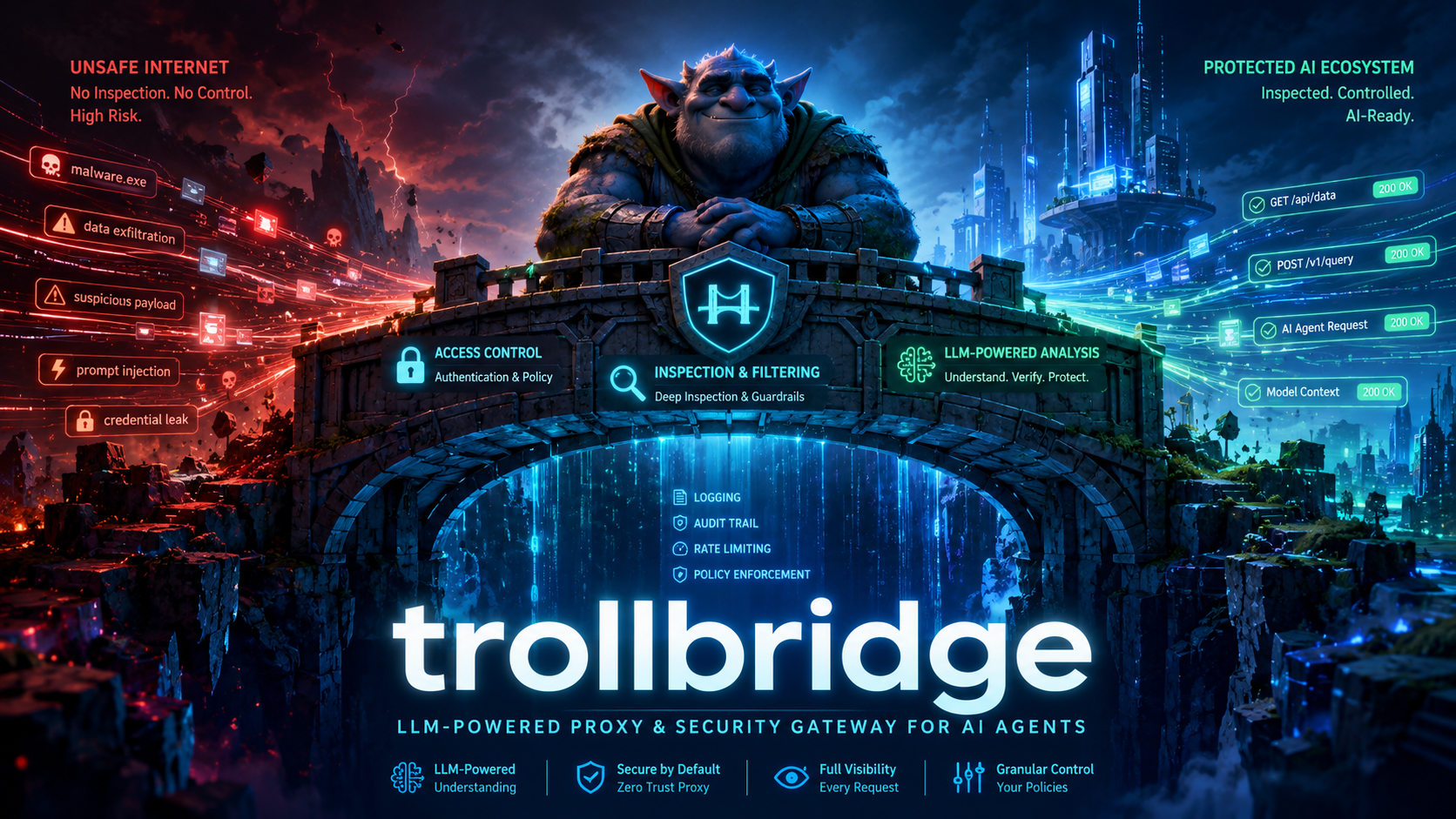
Let your agents run amok — but only where you say.
trollbridge is the proxy your local agent calls out through. Read,
write, and run files freely on your machine; reach the network only
where you've authorized. New destinations hold one keystroke from
approval. Single static Go binary, no runtime deps.
What it does
- Read, write, run. trollbridge does not gate local files or
processes. Your agent has full filesystem and shell access. - Outbound only where you say. HTTP and HTTPS requests are
checked against allow/deny lists and rule policy. - Hold the rest for one keystroke. Unapproved destinations
pause and surface in the operator UI. Pressato approve,d
to deny. The held request resumes — no agent restart. - Recognize structured URL families. Built-in patterns for
Azure Resource Manager (management.azure.com) and Azure Key
Vault (*.vault.azure.net) let you write semantic rules —
"allow GETs in this subscription", "deny DELETEs of any
virtual machine" — instead of per-resource lines. The audit
log records the recognized pattern and its components on
every matching request.
Pair with a sandbox
Worried about running your agent in yolo mode? Pair trollbridge with a sandbox.
trollbridge gates network egress — what your agent reaches over HTTP and HTTPS. It does NOT gate the local filesystem or processes; the agent reads, writes, and runs anything on the machine it's on. That is the trade you make for keeping the agent productive. The matching half of the trade is bounding what "the machine it's on" means.
A handful of starting points, ordered by how directly trollbridge supports them:
- Incus VM (Linux) — the documented happy path. Run the agent inside the VM; run trollbridge on the host; firewall the VM so its only egress is the proxy.
packaging/incus/launch.shwalks the setup. - Linux containers (Podman rootless or LXC) — when "VM" is overkill and a container's isolation profile is enough. CI runners often land here.
- macOS — Lima, OrbStack, Tart, or Multipass all give you a Linux VM to run the agent in; trollbridge runs on the macOS host.
- Windows — WSL2 is the common path (run the agent in a WSL distro, run trollbridge on Windows). For stronger isolation, use a Hyper-V VM.
Already running your agent under isolation you trust? trollbridge layers on top — point the agent's HTTPS_PROXY at the daemon and the existing isolation stays load-bearing. Already chose not to use a sandbox? That's a real choice; trollbridge's hold-and-approve flow and the audit log are the safety net for that path. Either way, the link to follow next is docs/deploy.md.
Get started
Try it — install and run on your own machine (Linux or macOS):
curl -fsSL https://trollbridge.dev/install.sh | sh
trollbridge quickstart     # writes a minimal yaml + starts the proxy
trollbridge test https://example.com
Then point any HTTP client at it:
eval "$(trollbridge env)" && curl -sI https://example.com
Have an agent set it up — hand your LLM agentSETUP-AGENT.md (or the raw URLhttps://github.com/dandriscoll/trollbridge/blob/main/SETUP-AGENT.md).
It asks a few goal-level questions and runs install → configure →
verify end-to-end on Linux, macOS, or Windows.
Read how it works — start at
trollbridge.dev, thenDESIGN.md for the full spec.
More
- Windows or direct download. Grab
trollbridge_v0.9.3_linux_amd64.tar.gz
(or the matchingwindows_amd64.exe/darwin_*build) from the
releases page,
verify against SHA256SUMS, extract, andsudo install -m 0755 trollbridge_v0.9.3_linux_amd64/trollbridge /usr/local/bin/trollbridge. - Deploying to a host or fleet.
PROXY-SETUP-AGENT.mdwalks the operator install (CA, mTLS, TLS interception);docs/deploy.mdcovers topologies (user-mode, Incus VM, container sidecar). - Pointing an agent's egress at a running trollbridge.
CLIENT-SETUP-AGENT.md. - Operator UI keymap, daemon mode, audit log correlation (
request_id=).docs/operator-ui.md. Verbose per-request logs:--verbose,--log-level=debug, orTROLLBRIDGE_LOG_LEVEL=debug. - Building from source / contributing.
AGENTS.md. Requires Go 1.26+.
License
MIT.
Reviews (0)
Sign in to leave a review.
Leave a reviewNo results found